Depending on your role and permissions, you can adjust your own and in some cases, your team’s project notification settings. This allows you to control the volume and type of notifications received via:
- Rave Notifications (Alerts)
- External Email Notifications (sent to your email inbox)
Key Notes:
- All users can update their own notifications, based on the permissions they’ve been granted.
- Note: You (or your team member) must be on the people tab of a project to receive these notifications
- If a user cannot see a specific notification switch, it means they do not have access to manage that particular setting.
- In these cases, a Branch Owner or another internal team member with the appropriate permissions can make the necessary updates.
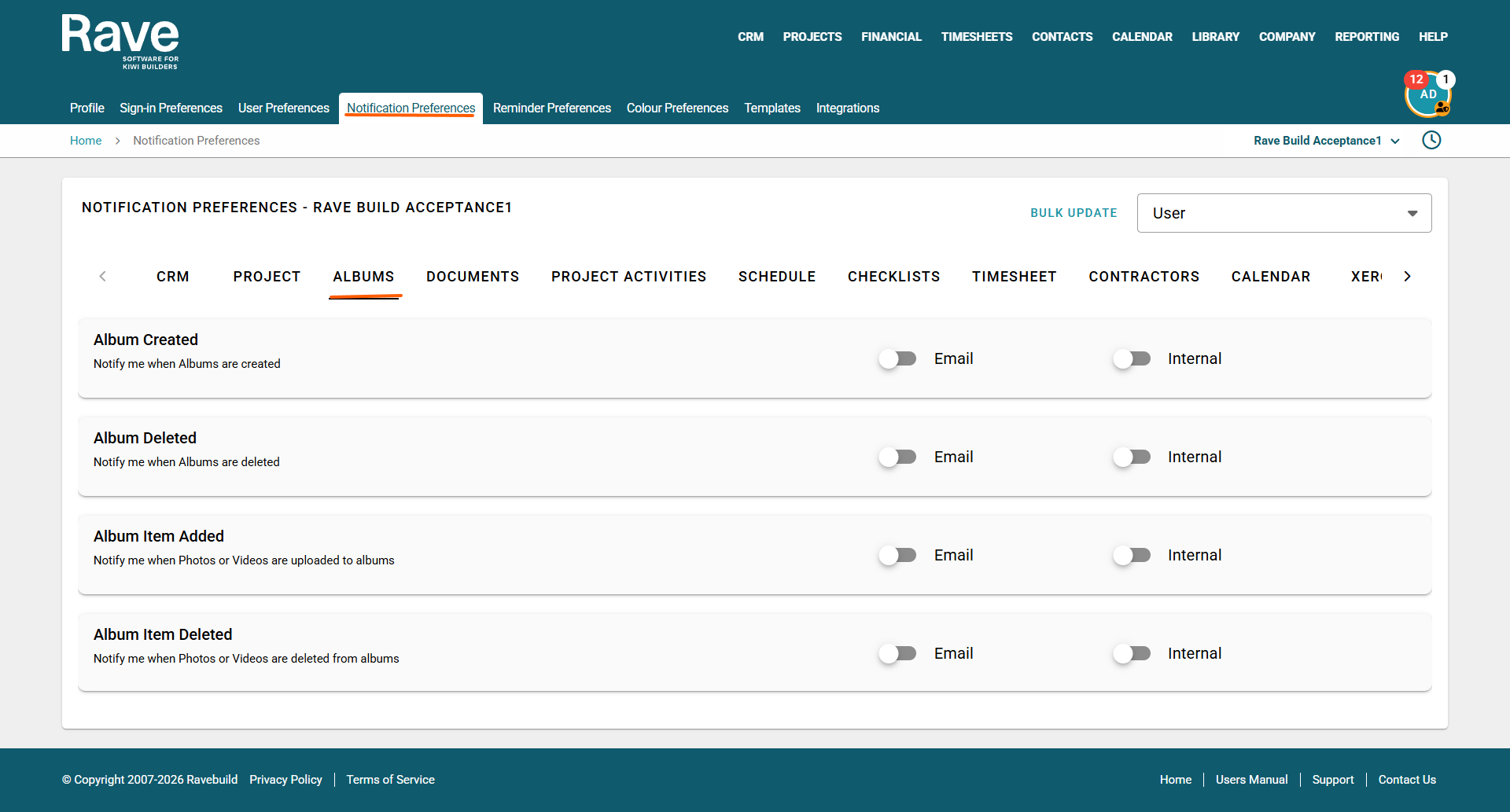
- Those with permission to edit other users notifications will see a user box to the top right of their screen where they can pick a user and then select which notifications they would like to alter.
- If a category only displays one option, it’s because that specific notification does not offer both email and internal (in-app) notification types.
You can customise these preferences at any time.
To update your notification settings:
- Click your profile icon (top right of the Rave page).
- Select Profile Settings.
- Navigate to the Notification Preferences section.
Album Notifications
Was this article helpful?
That’s Great!
Thank you for your feedback
Sorry! We couldn't be helpful
Thank you for your feedback
Feedback sent
We appreciate your effort and will try to fix the article