If you are looking for the help article on User Preferences for Single Sign On. Please click here.
If you are looking for the help article How do I set up Single Sign-On (SSO) if I have many logins. Please click here.
If you are looking for the help article Controls for Single Sign-On (SSO) and Two-Factor Authentication (2FA) , click here to read.
If you are looking for the help article on Sharing a Rave Build Login (Contractors and Clients only), click here to read.
Rave offers several secure ways to sign in to your account. Please note that some options may be disabled by your business owner or head office, which means you can only pick from the list shown when you first sign in.
Google
Microsoft
Facebook
Email/User Name
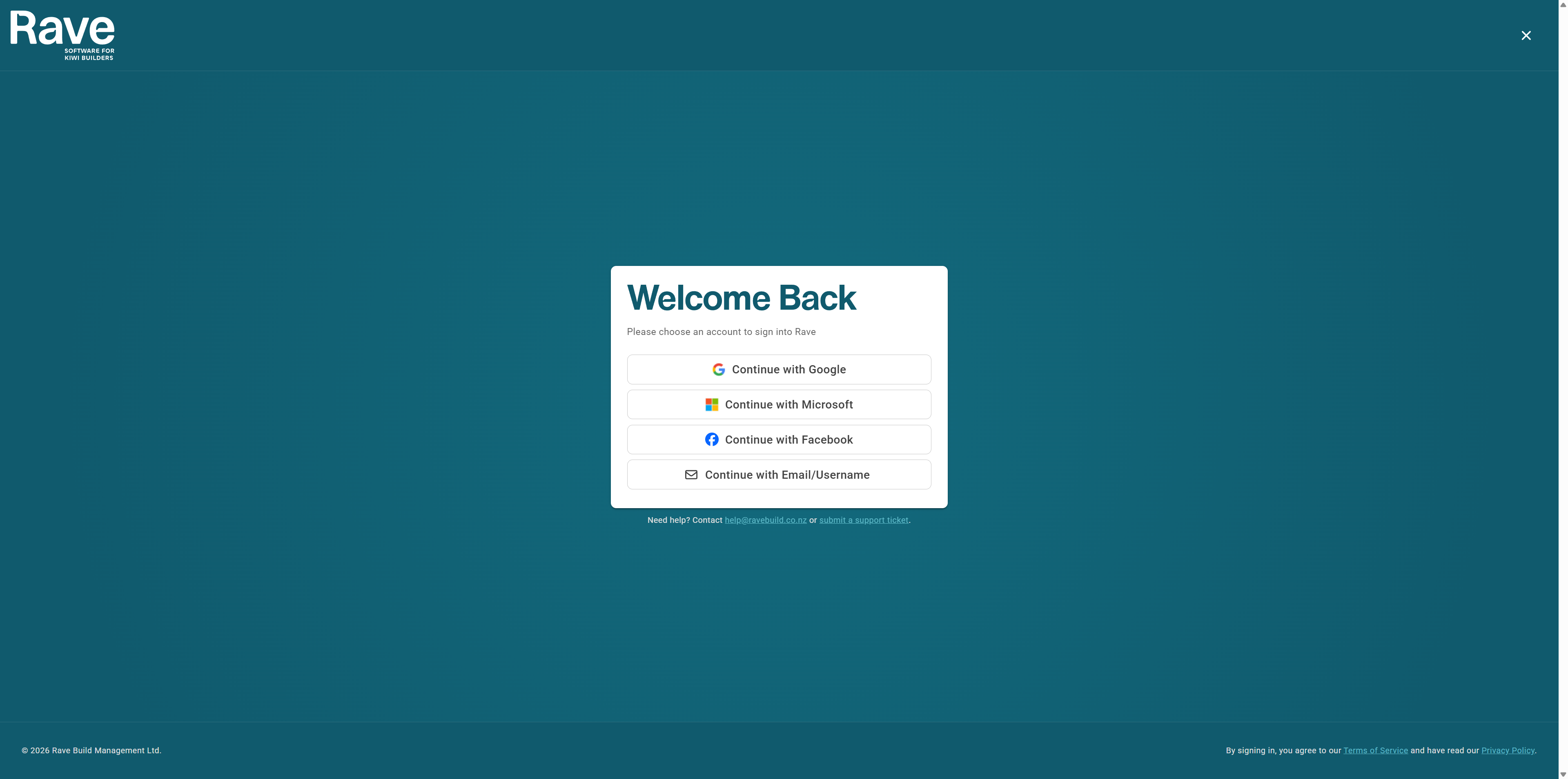
The sign-in option you use should match the email address connected to your Rave account.
Before You Begin
Make sure:
You have been invited to Rave.
Your Rave account has been set up using your correct email address.
You have access to the email inbox associated with your Rave account.
Your Google, Microsoft, or Facebook account uses the same email address as your Rave account.
Sign In With Google
Use this option when your Rave email address is connected to a Google or Google Workspace account.
Go to the Rave login page.
Select Continue with Google.
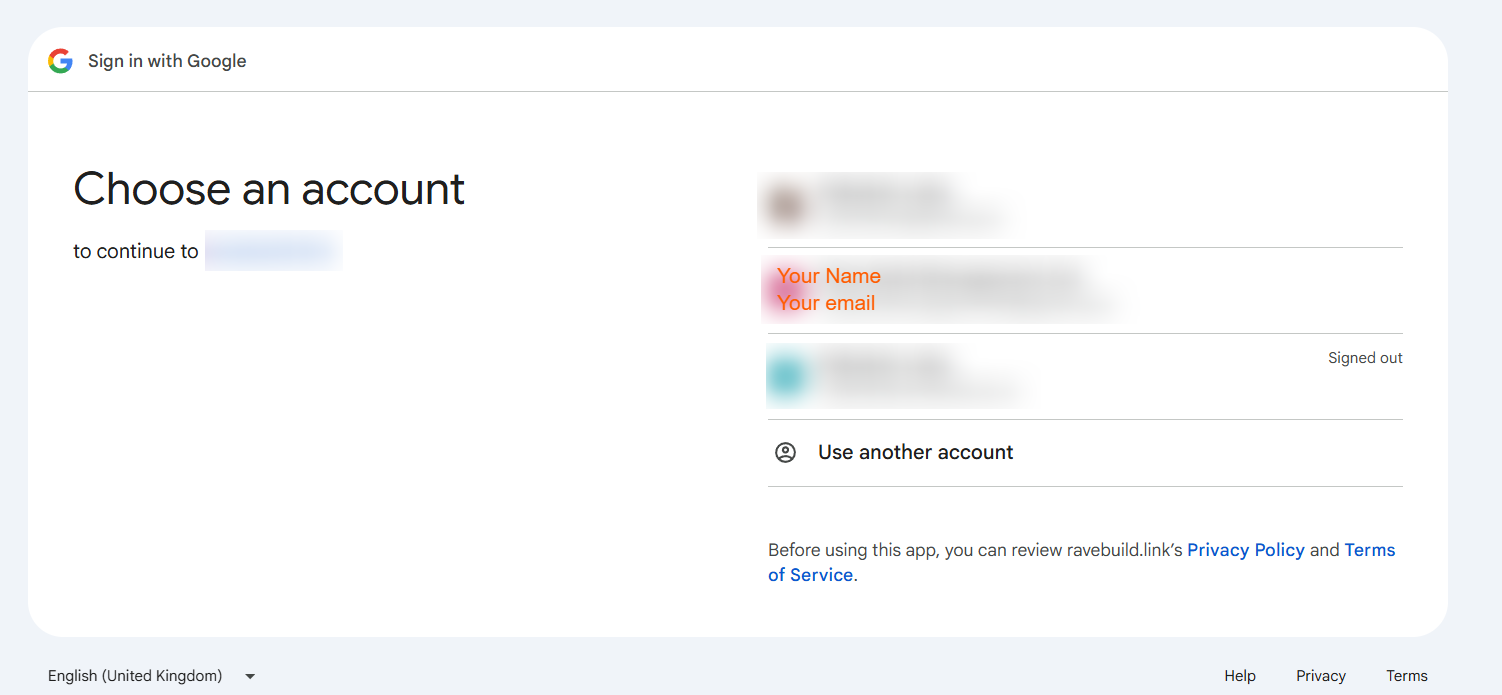
Choose the Google account connected to your Rave email address.
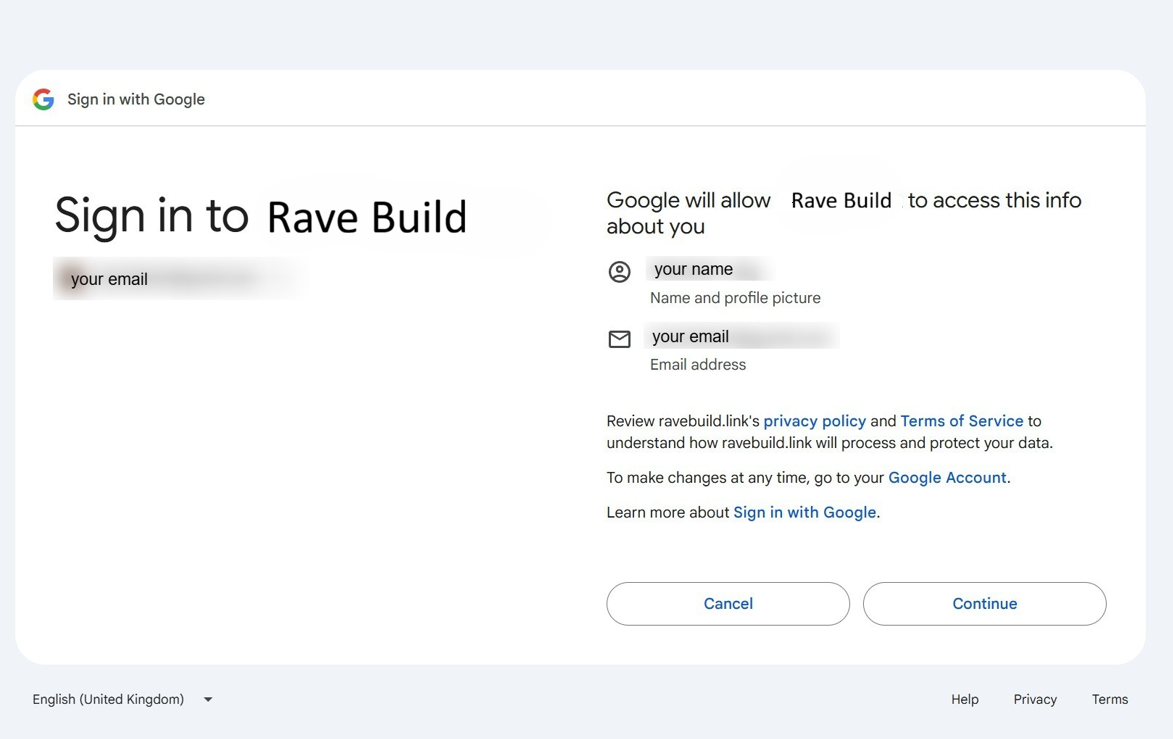
Enter your Google password if prompted.
Complete any multi-factor authentication required by your organisation.
You will be securely redirected to Rave.
Having Trouble?
Check that the Google account you selected uses the same email address as your Rave account.
If you are already signed in to multiple Google accounts, you may need to select Use another account and enter the correct email address.
Sign In With Microsoft
Use this option when your Rave email address is connected to a Microsoft 365, Outlook or Microsoft account.
Go to the Rave login page.
Select Continue with Microsoft.
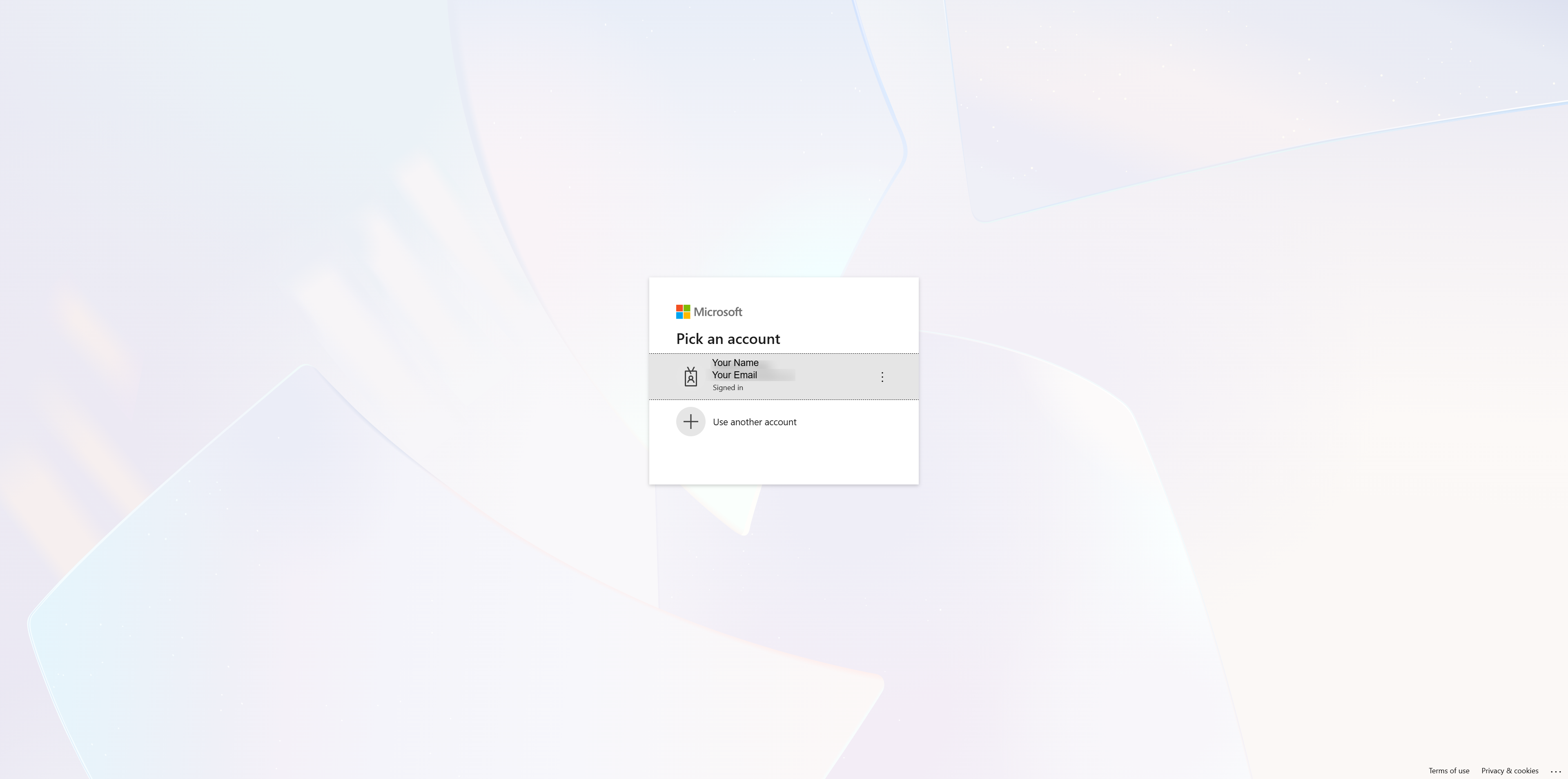
Enter or select the Microsoft account connected to your Rave email address.
Enter your Microsoft password if prompted.
Complete any multi-factor authentication required by your organisation.
You will be securely redirected into Rave.
Having Trouble?
Check that your Microsoft account uses the same email address as your Rave account.
Your organisation may also require approval from its Microsoft administrator before third-party applications can be used.
Sign in with Facebook
Use this option to connect your Rave account to your Facebook Profile
Go to the Rave login page.
Select Continue With Facebook.
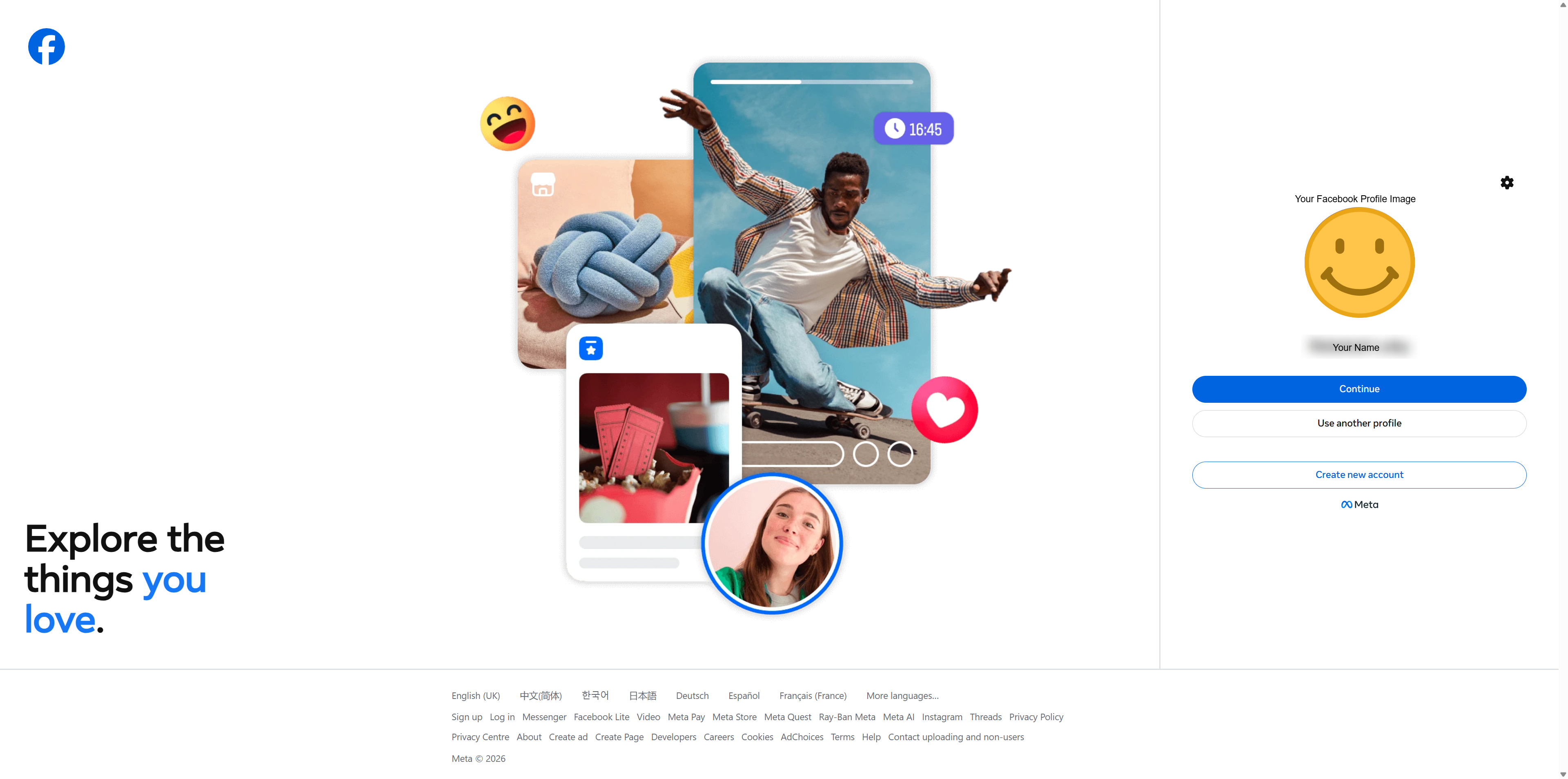
If you are already signed into Facebook, it will show your profile image and name. Click Continue.
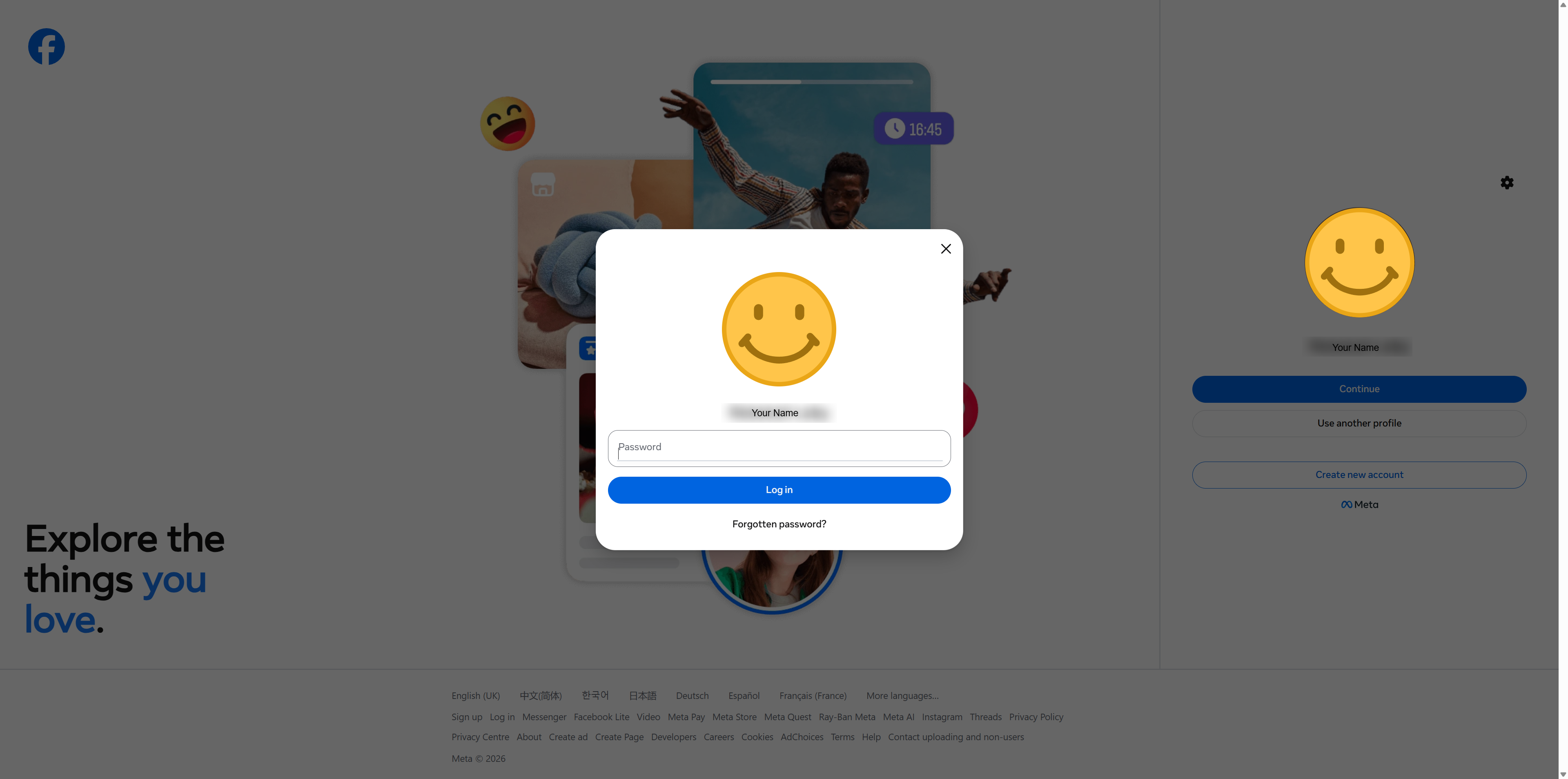
Enter your Facebook password if prompted and select Log In
Complete any multi-factor authentication required by your organisation.
You will be securely redirected into Rave.
Sign In With Email
Use this option if you normally sign in to Rave using your email address and password.
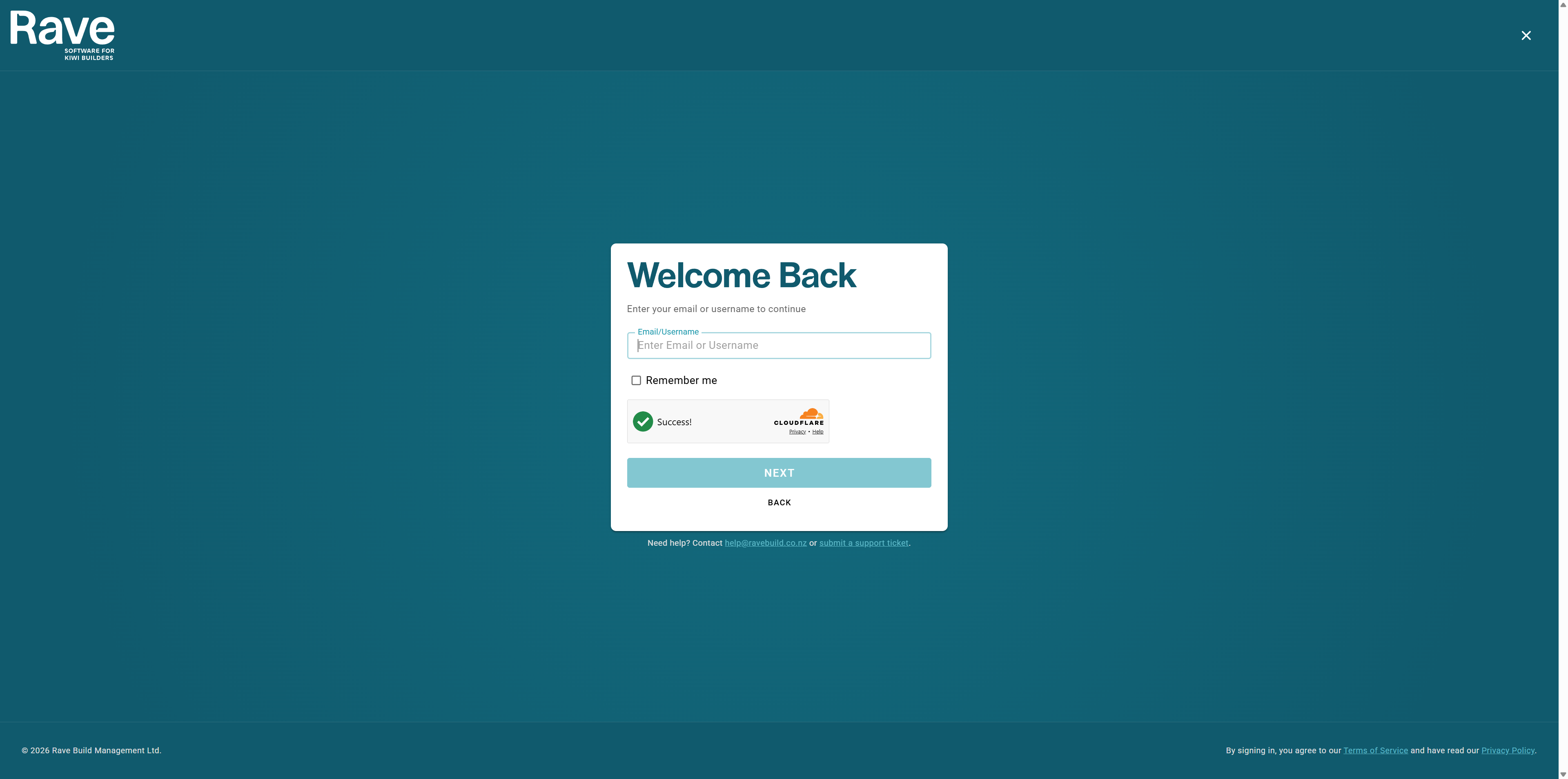
Go to the Rave login page.
Select the Email sign-in option.
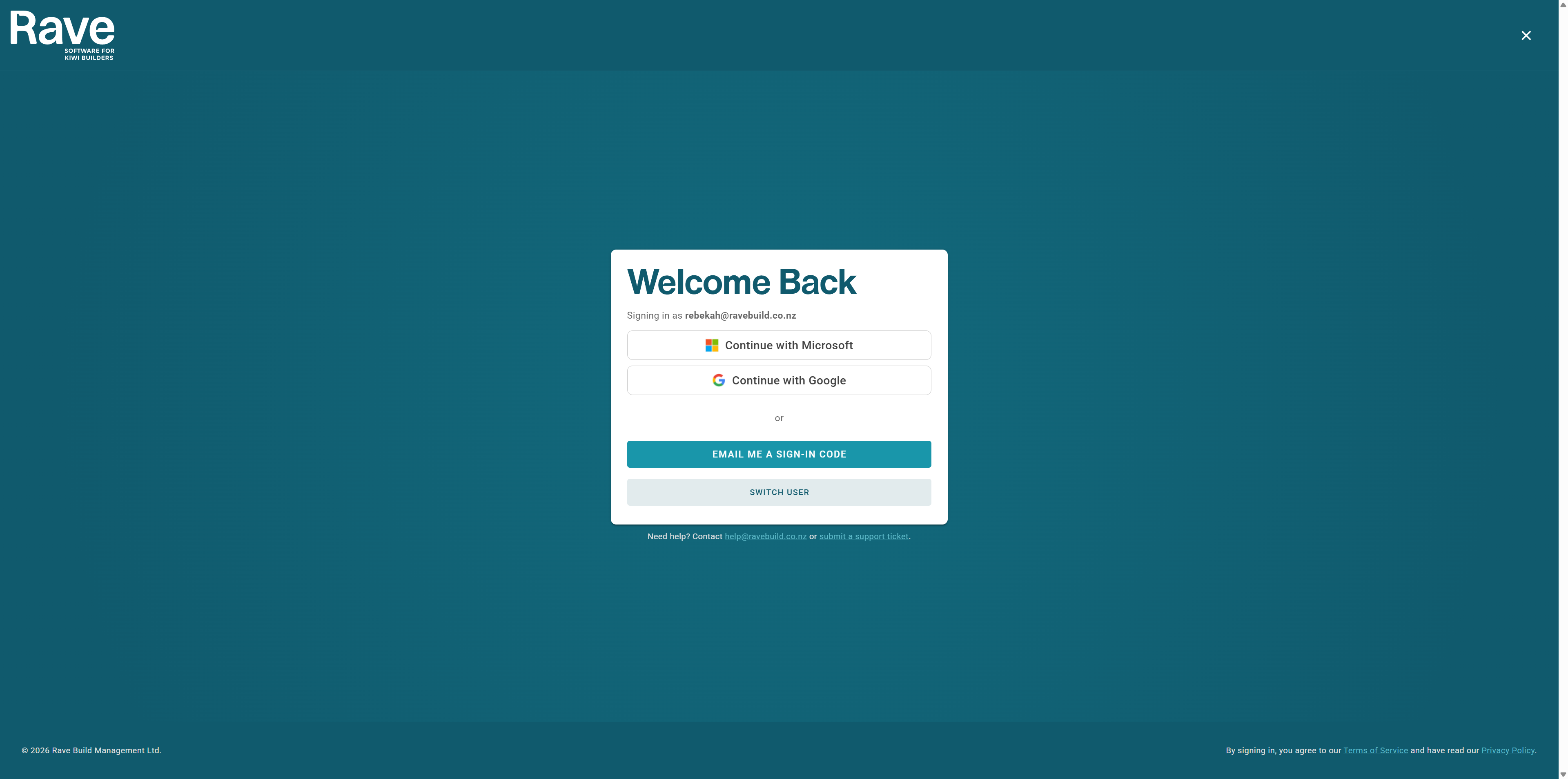
If that email is linked to Google or Microsoft, you will be prompted to pick one of those
Alternatively, click on Email me a sign-in code.
Open your email and copy the 6-digit code from the email into the box and press verify
You will be securely redirected into Rave
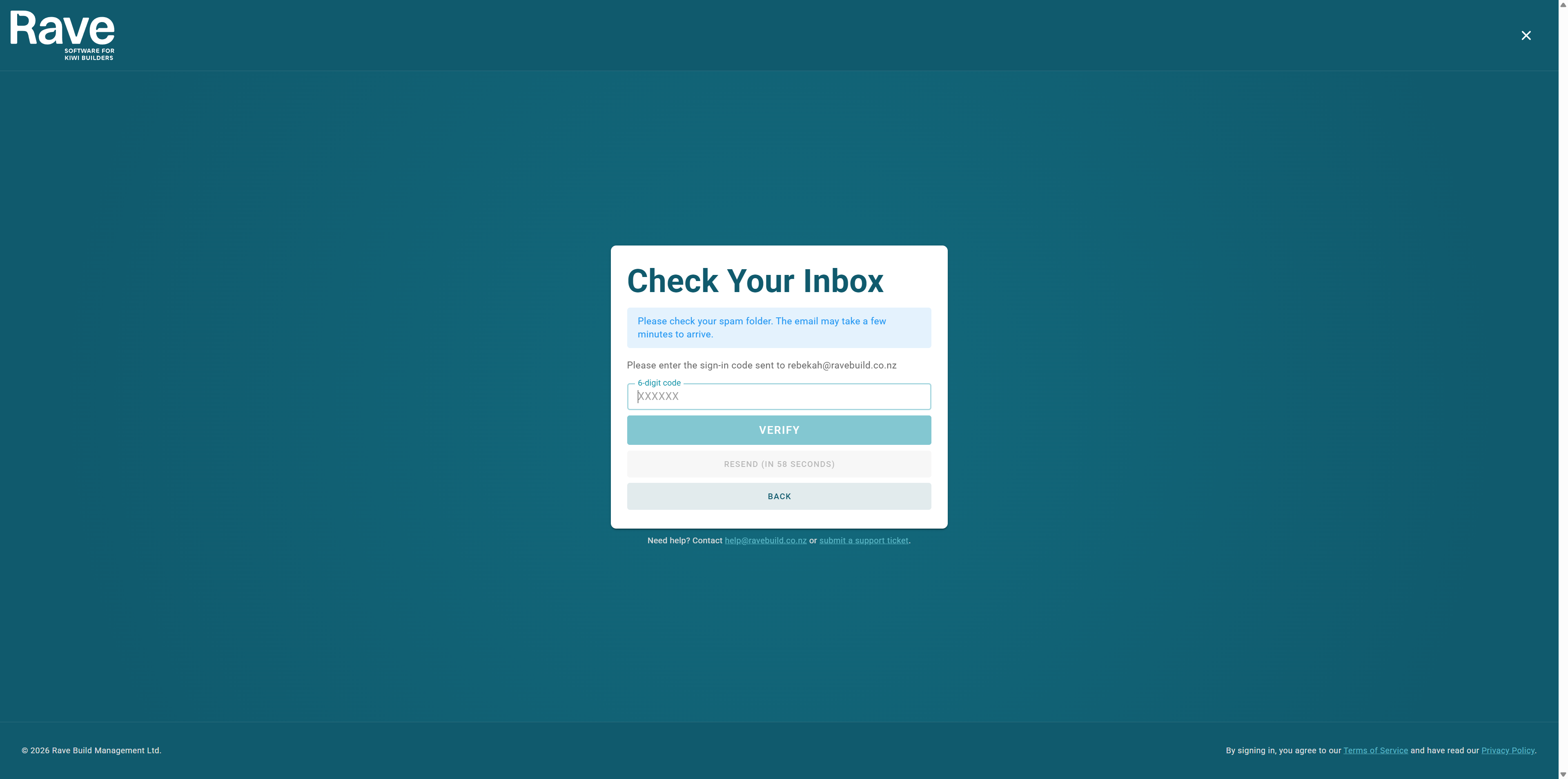
Having Trouble?
The code can only be used once and will expire after a short period.
If the Code Does Not Arrive
Check:
Your spam or junk folder.
That you entered the correct email address.
That the email address is connected to an active Rave account.
Whether your organisation’s email security has blocked the message.
Important Information
Always use the same email address registered to your Rave account.
For example, if your Rave account was created using name@company.co.nz, you must sign in using the Google, Microsoft, Facebook, or email connected to name@company.co.nz.
Signing in with a different email address may create an error or prevent Rave from locating your account.
Need Help?
If you are unable to sign in, contact your Rave Administrator or the Rave Support Team.
When requesting assistance, include:
Your name.
Your business name
Your email address/sign in for Rave
The sign-in option you are using.
A screenshot of any error message displayed.
Was this article helpful?
That’s Great!
Thank you for your feedback
Sorry! We couldn't be helpful
Thank you for your feedback
Feedback sent
We appreciate your effort and will try to fix the article