We have developed a custom Client Import feature that enables bulk management of existing clients and enquiries, as well as efficient creation of new records.
Import Setup
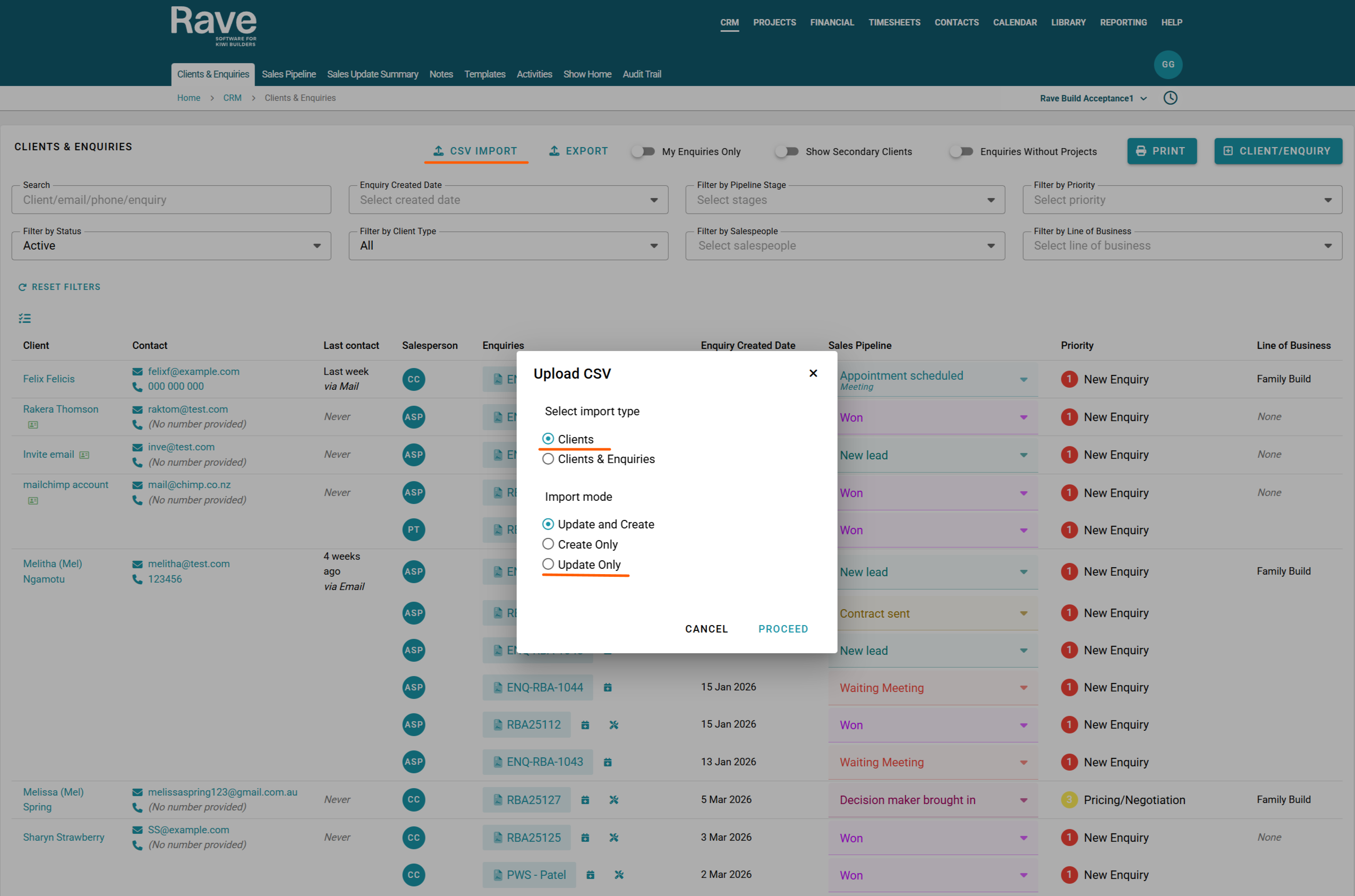
First, select whether you would like to upload:
- Clients only, or
- Clients & Enquiries
Import Options
You can then choose from the following options:
Update and Create
This option matches existing clients in Rave using their email address and updates their details based on the CSV data. If a client does not already exist, a new client record will be created. Enquiries included in the file will also be updated if they exist or are created.
Create Only
This option is used to create new client records only. All clients in the CSV must be new. Existing clients cannot be included as the file will fail to load.
Update Only
This option updates existing client records in Rave. The CSV must only contain clients that already exist in the system. No new clients will be created.
Was this article helpful?
That’s Great!
Thank you for your feedback
Sorry! We couldn't be helpful
Thank you for your feedback
Feedback sent
We appreciate your effort and will try to fix the article