Connecting RAVE Financial Management System (FMS) to Xero
Integrating RAVE FMS with Xero allows you to sync your Chart of Accounts, manage payments, link project tracking and more.
You must have the Branch Settings - Integration - Xero permission enabled in order to complete this set-up. If you don't see this option, contact your branch owner or Rave Support.
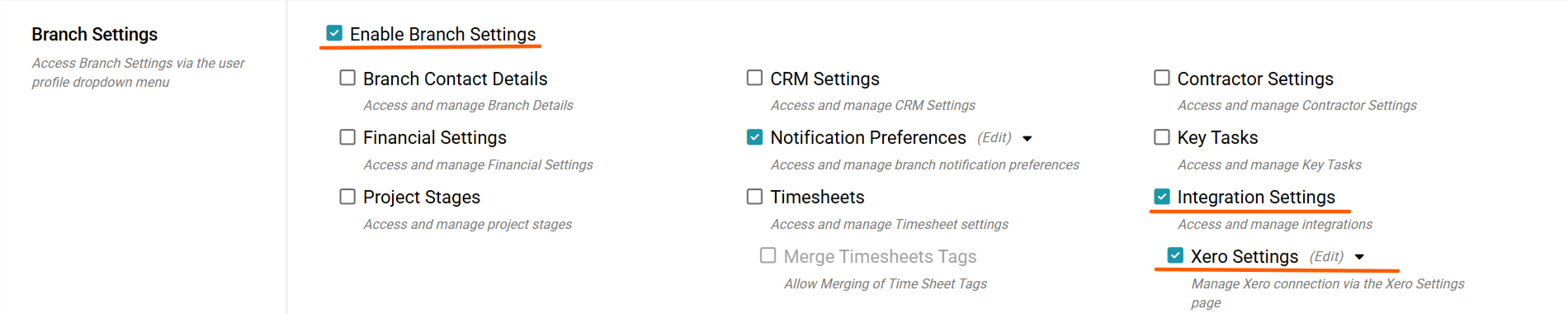
Steps to Connect
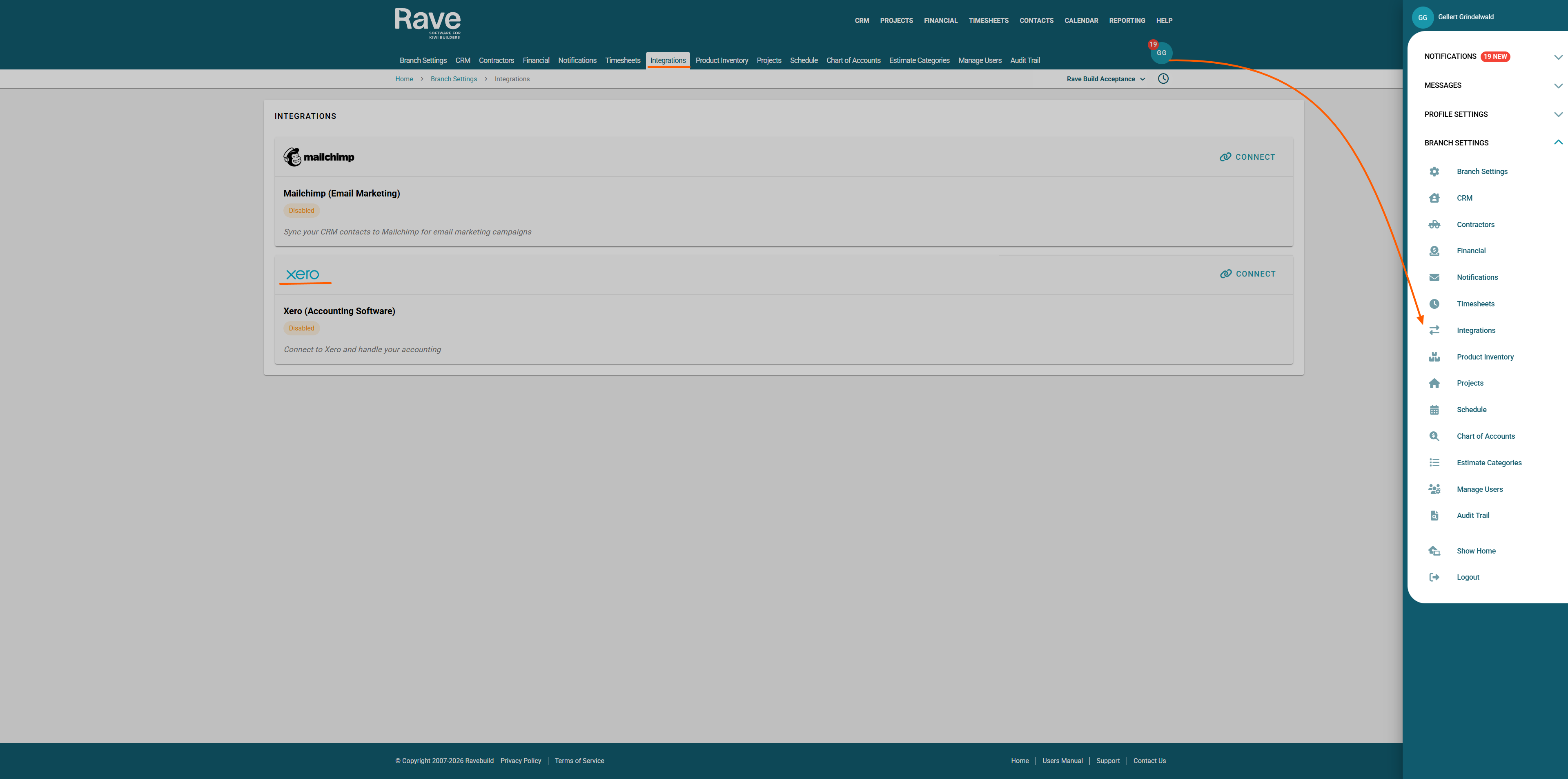
Click your Profile dropdown in RAVE.
From the Branch Settings menu, select Integrations
If you don’t see this option, contact your Business Owner for access permissions.
Once in Integrations, find the Xero Connection option and select Connect
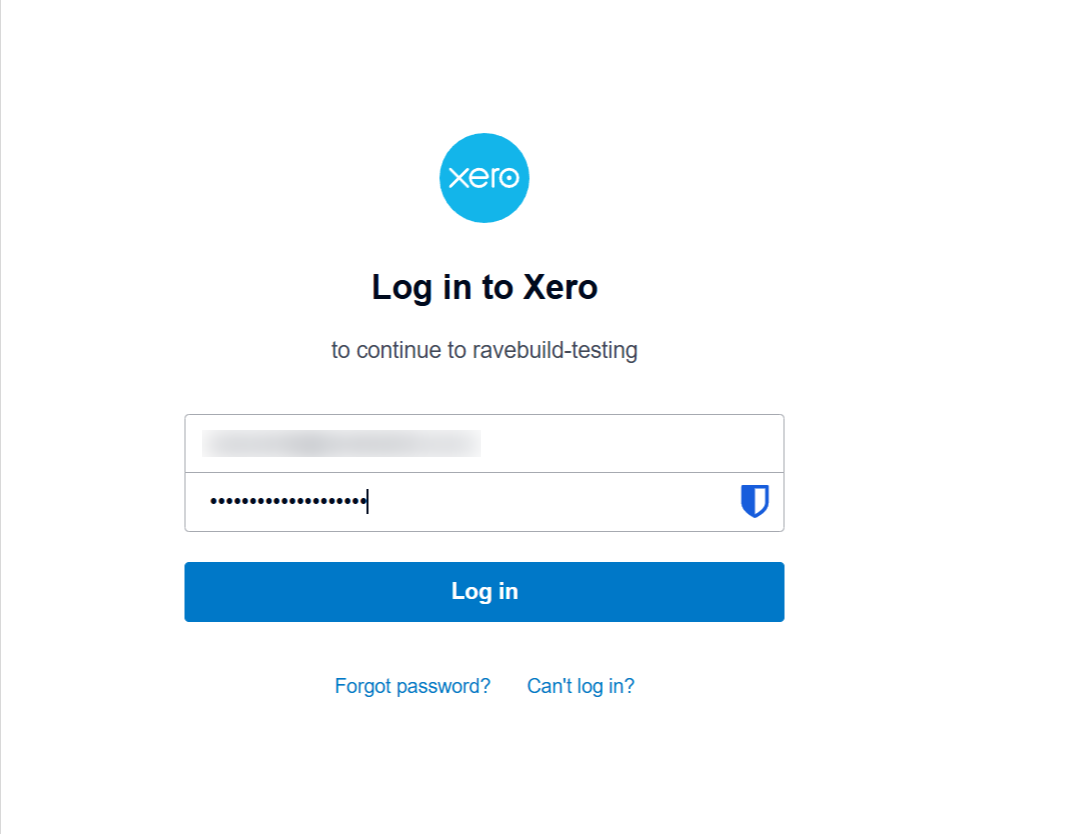
 The Xero Log in page will pop up asking you to enter your Xero user name and Password and press Log In
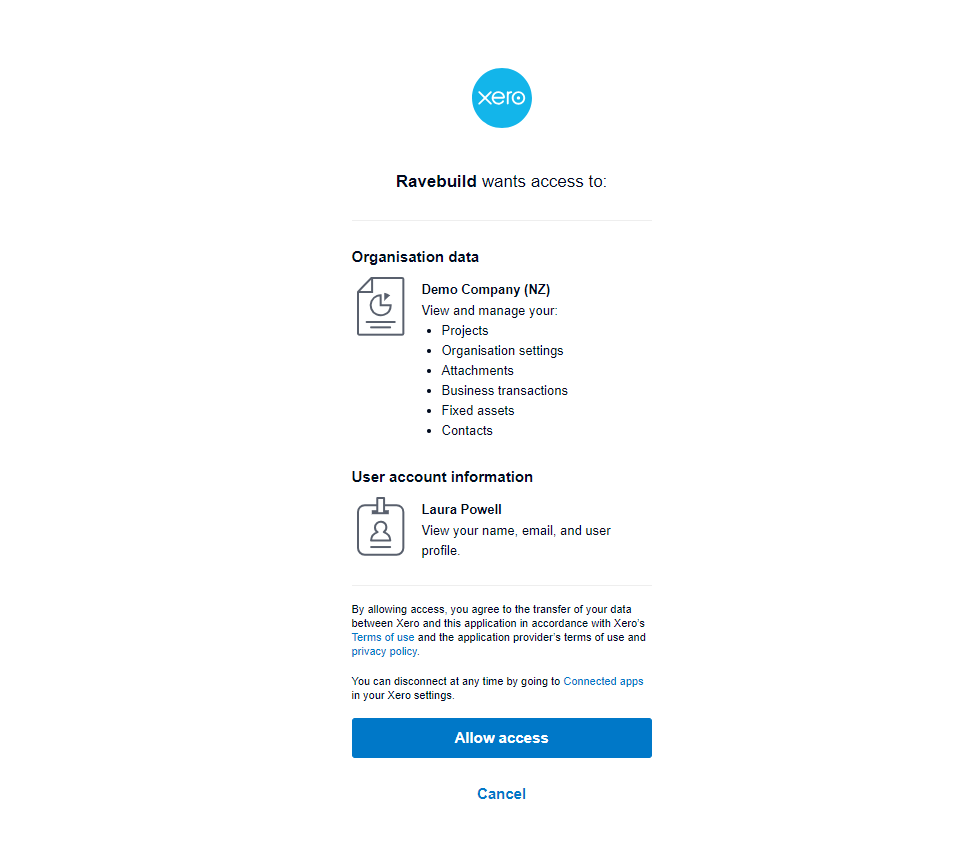
If you have only one Xero Account, the name will then pop up on the screen. If you have more than one, select the correct one from the drop-down and Press Allow Access.
Once connected, you will return to the Integrations Tab.
The Xero section will be enabled with a green box around it, and a Manage box will appear for you to set up your preferences.
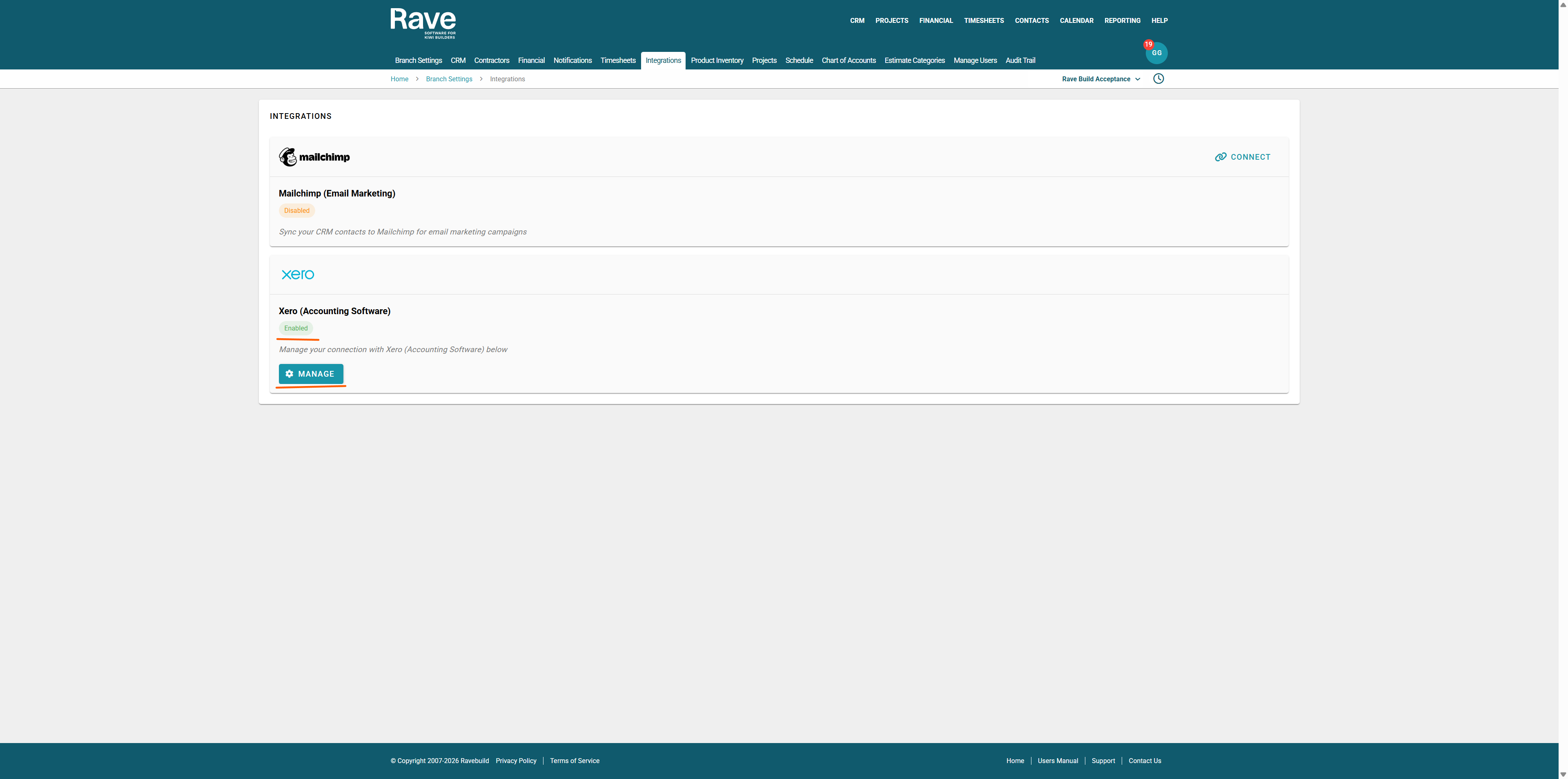
Select Manage to continue setting up your Xero connection.
Was this article helpful?
That’s Great!
Thank you for your feedback
Sorry! We couldn't be helpful
Thank you for your feedback
Feedback sent
We appreciate your effort and will try to fix the article