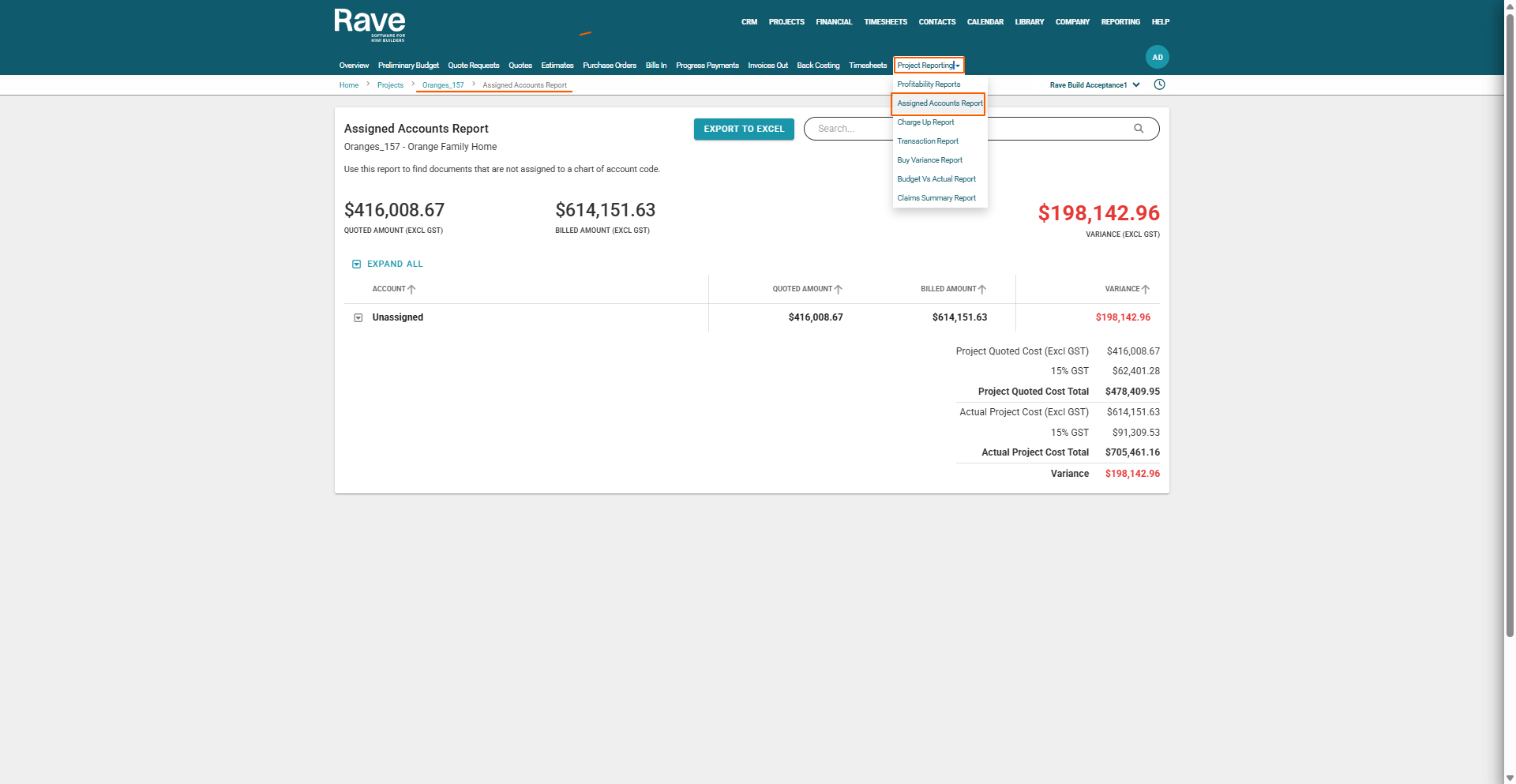
If your RAVE system has the optional Financial Management System module activated and you have the correct permissions, you’ll find the Project Assigned Accounts Report by selecting the project, then clicking Budget, then hovering over the Project Reporting subtab and clicking Assigned Accounts Report.
The following is the recorded version of the help article outlined below.
If you want to track your Budget via your Account Code, then your Assigned Accounts Report is the one to use.
We take all of your Quotes and/or Bills-In and order them by your Account codes. You can expand each one to see what has been coded to that particular code and easily see if any are left unassigned.
For the unassigned ones, you need to click on and add a code to it, by clicking on either the blue hyperlink Quote name or the blue hyperlink Bill name and editing that document to add the code to the line items.
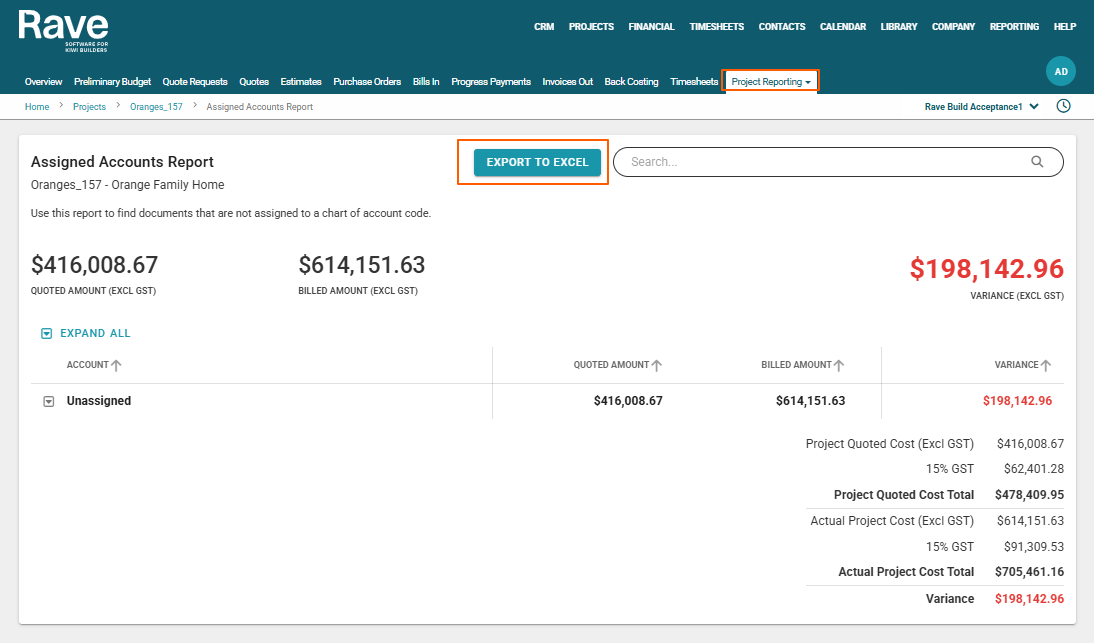
 There is now the ability to Export the Assigned Accounts Report to a CSV
Was this article helpful?
That’s Great!
Thank you for your feedback
Sorry! We couldn't be helpful
Thank you for your feedback
Feedback sent
We appreciate your effort and will try to fix the article