Maintenance start and end date notification option for Project Managers; help article here.
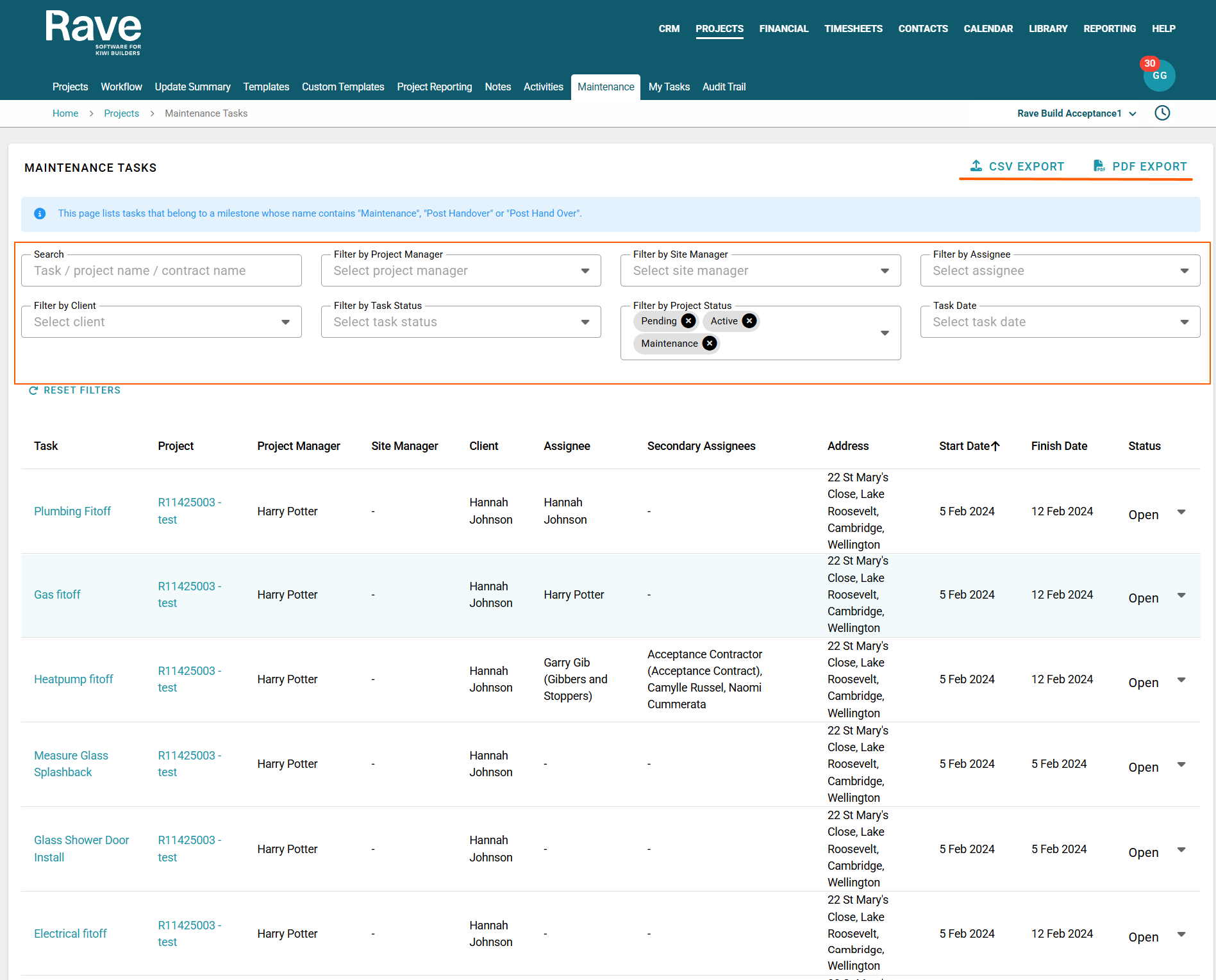
The Maintenance Report provides a central view of all maintenance schedule tasks across your projects. You can print or export the report, update task statuses directly from the report, and use a range of filters to display only the information you need.
To find the Maintenance report, select Projects, then Maintenance.
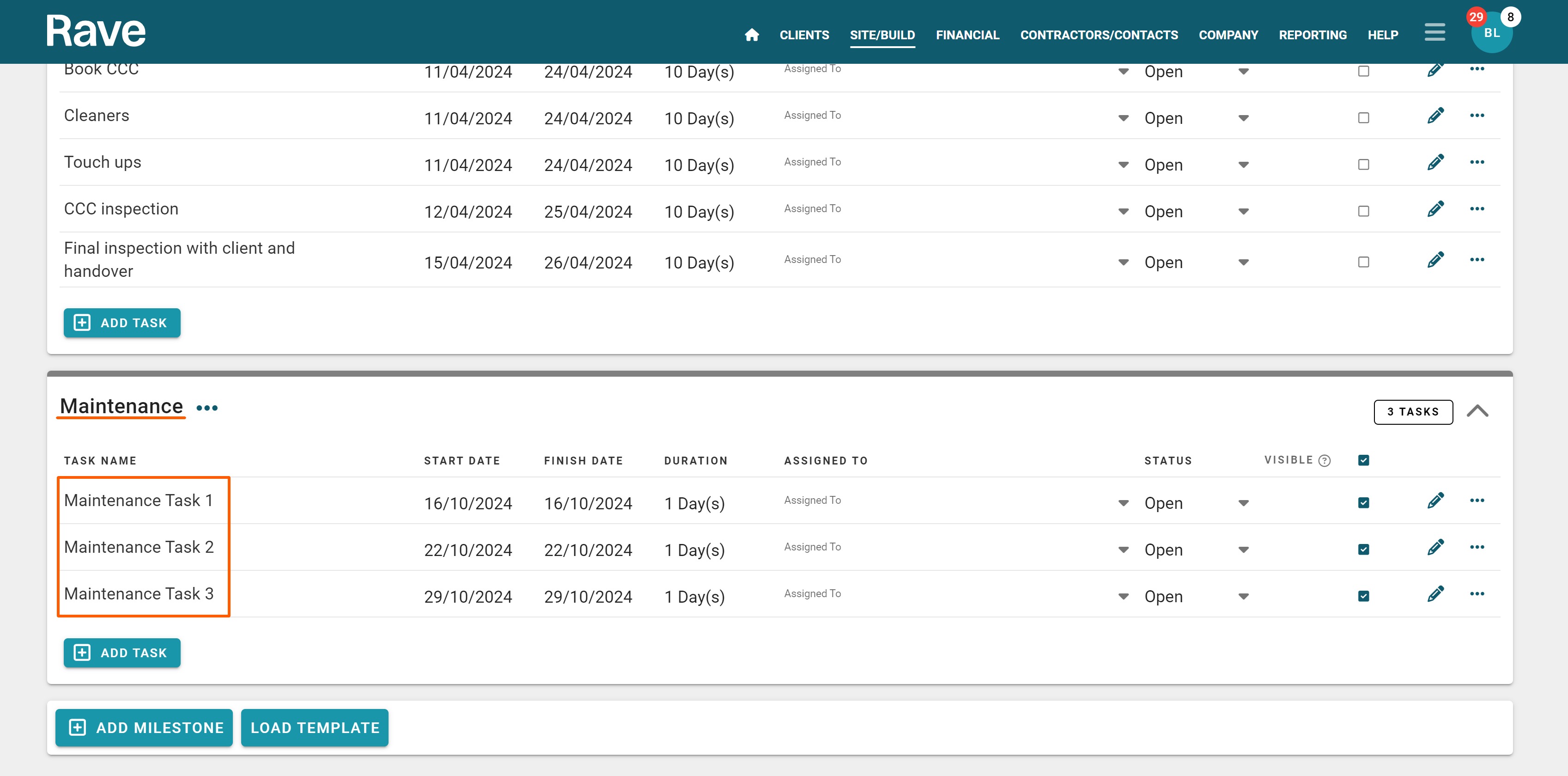
Note: For the Maintenance tab to appear, you must have at least one schedule whose milestone name contains the keyword Maintenance.
Available filters include:
Search – Quickly find specific information using project name - contract name, or task name
Project Manager – View maintenance tasks for a selected Project Manager.
Site Manager – View maintenance tasks for a selected Site Manager
Assignee - Filter by tasks assigned to a specific person
Filter By Client - Filter by Client Name
Task Status – Filter by all task Statuses
Project Status - Filter by all Project Statuses
Date – Filter by preset date ranges or custom set a date range to view
You can also update the status of maintenance tasks directly in the report, keeping your maintenance schedule up to date without opening each project individually.
To the top right, you have a CSVand PDF export option
Was this article helpful?
That’s Great!
Thank you for your feedback
Sorry! We couldn't be helpful
Thank you for your feedback
Feedback sent
We appreciate your effort and will try to fix the article