We have developed a custom Client Import and Export feature that enables bulk management of client records only. This feature does not affect Enquiries.
This feature allows you to:
Export client data from the system into a CSV file.
Update existing client information in bulk by editing the CSV and re-importing it.
Bulk import new clients directly into the system Via CSV
Do a mix of both update and create
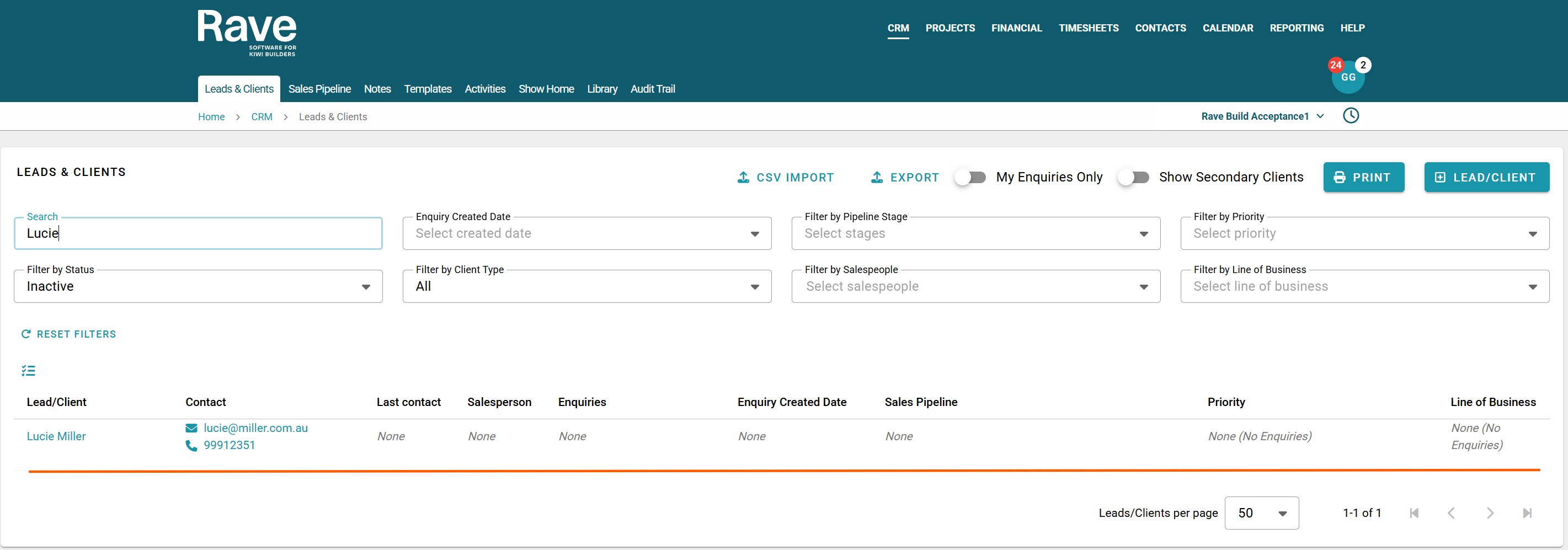
When clients are imported without an associated enquiry, they are automatically created as inactive clients. This allows them to be stored in the system and available for future use without appearing as active enquiries.
Export existing clients to CSV to bulk update
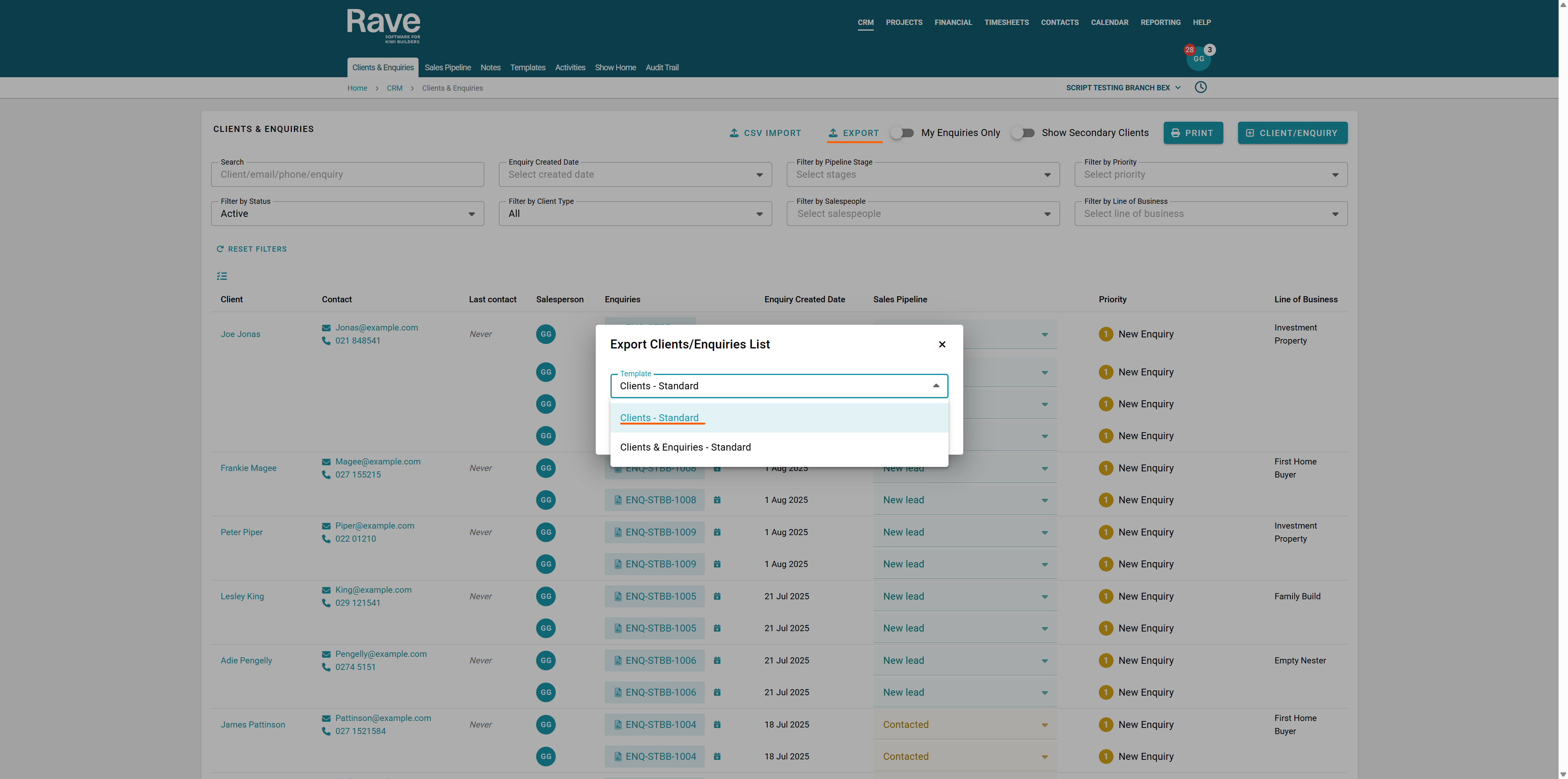
From the CRM tab, select Client & Enquiries, then navigate to Export.
Select Clients - Standard
This will export to CSV only client-specific fields.
Import existing clients to CSV to bulk update
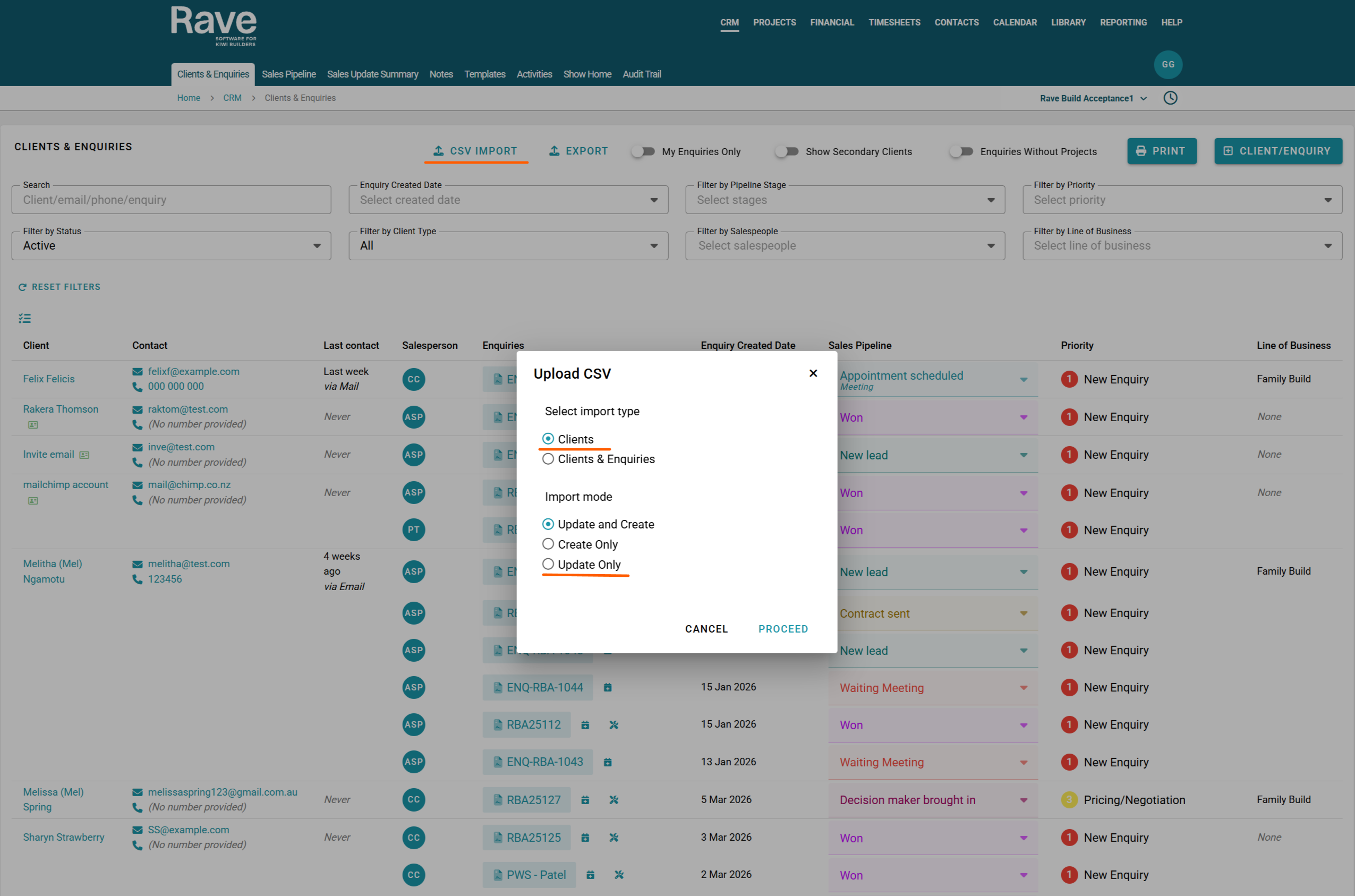
Once you have edited the data you wish to change, select CSV import, choose clients, set import mode to Update Only, and press Proceed.
Upload your edited file and then Press Proceed again.
The validation screen will now process all of the changes.
If there are issues, they will display with a Red circle.
Hovering over the issue will let you know what you need to fix.
If there are no issues, the CSV will proceed to load and make the changes you have requested.
Importing New Clients to Rave via CSV
You can use the Bulk CSV import Client and Create-only option to import clients into Rave who do not have/need an enquiry.
This will import them into the CRM system as Inactive.
You can then choose to add an enquiry for this client later on or just leave them as is.
You must use the Client-only CSV import feature to do this; otherwise, it will add an enquiry for everyone.
Was this article helpful?
That’s Great!
Thank you for your feedback
Sorry! We couldn't be helpful
Thank you for your feedback
Feedback sent
We appreciate your effort and will try to fix the article