Recording Retentions in Rave
Retentions can be a part of construction contracts, where a percentage of each progress claim is withheld until practical completion and/or the defects liability period has ended.
This article explains how to correctly record, track, and release retentions in Rave so your financial reporting balances stay accurate.
There are two different ways that this can be accounted for in Rave.
1) Create separate retention invoice on the Progress Payment page
or
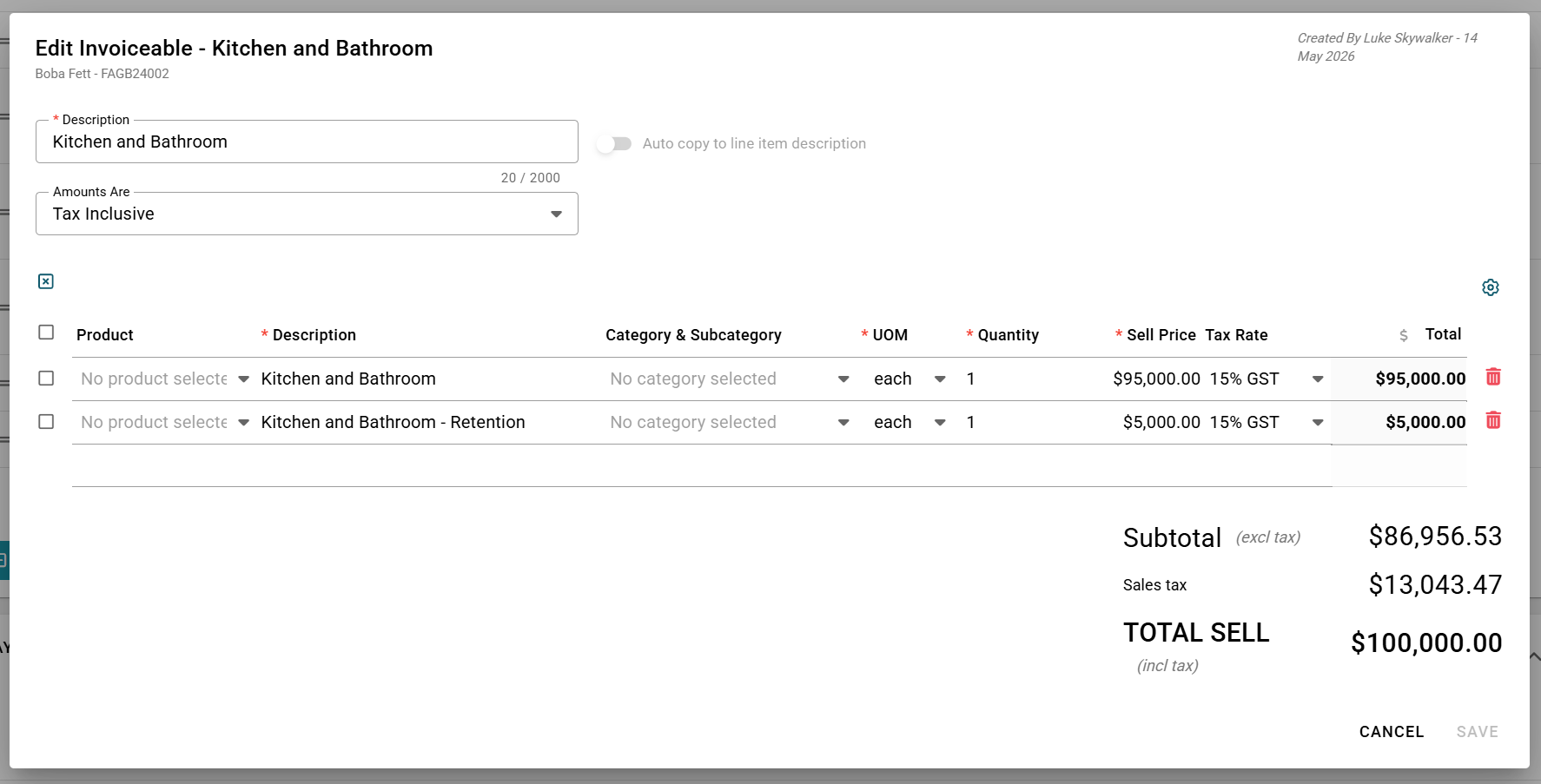
2) Create the progress payment line with the main invoice amount as line one and the retention amount as line two, and only invoice line one each time. At the end of your project, select all invoiceables to invoice, and just convert the retention lines to invoice.
Was this article helpful?
That’s Great!
Thank you for your feedback
Sorry! We couldn't be helpful
Thank you for your feedback
Feedback sent
We appreciate your effort and will try to fix the article