If you are looking for the help article on downloading album items to ZIP files click here.
You can now export to PDF images from albums within a enquiry.
To export items from a single album, click into the album you wish to download from.
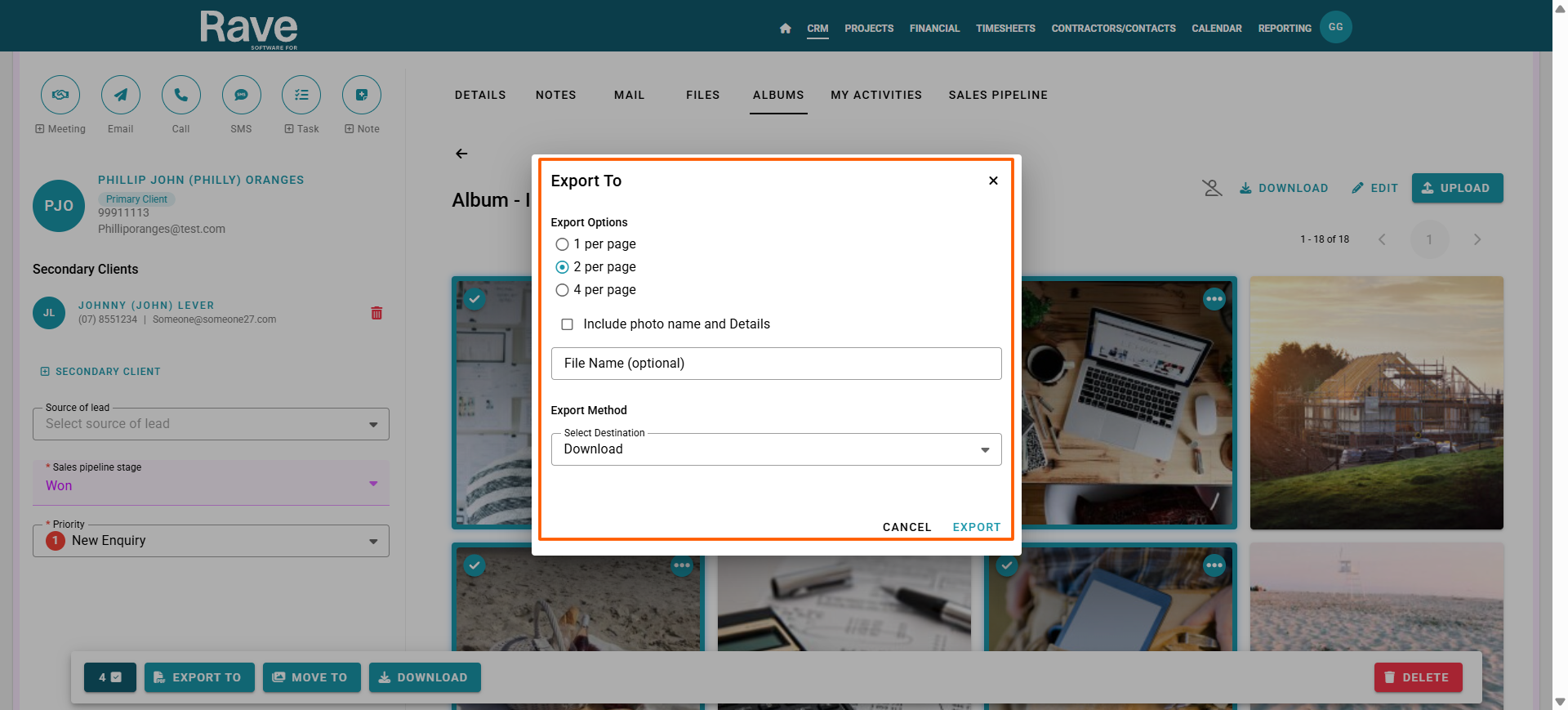
Check the green arrow on only the items you want to include in the export.
Next, select export button from the bulk select bar.
A confirmation box will appear asking you to select how many images per page you wish to display, if you wish to include the image name and details on the export as well as giving the export a name.
Click Export to proceed
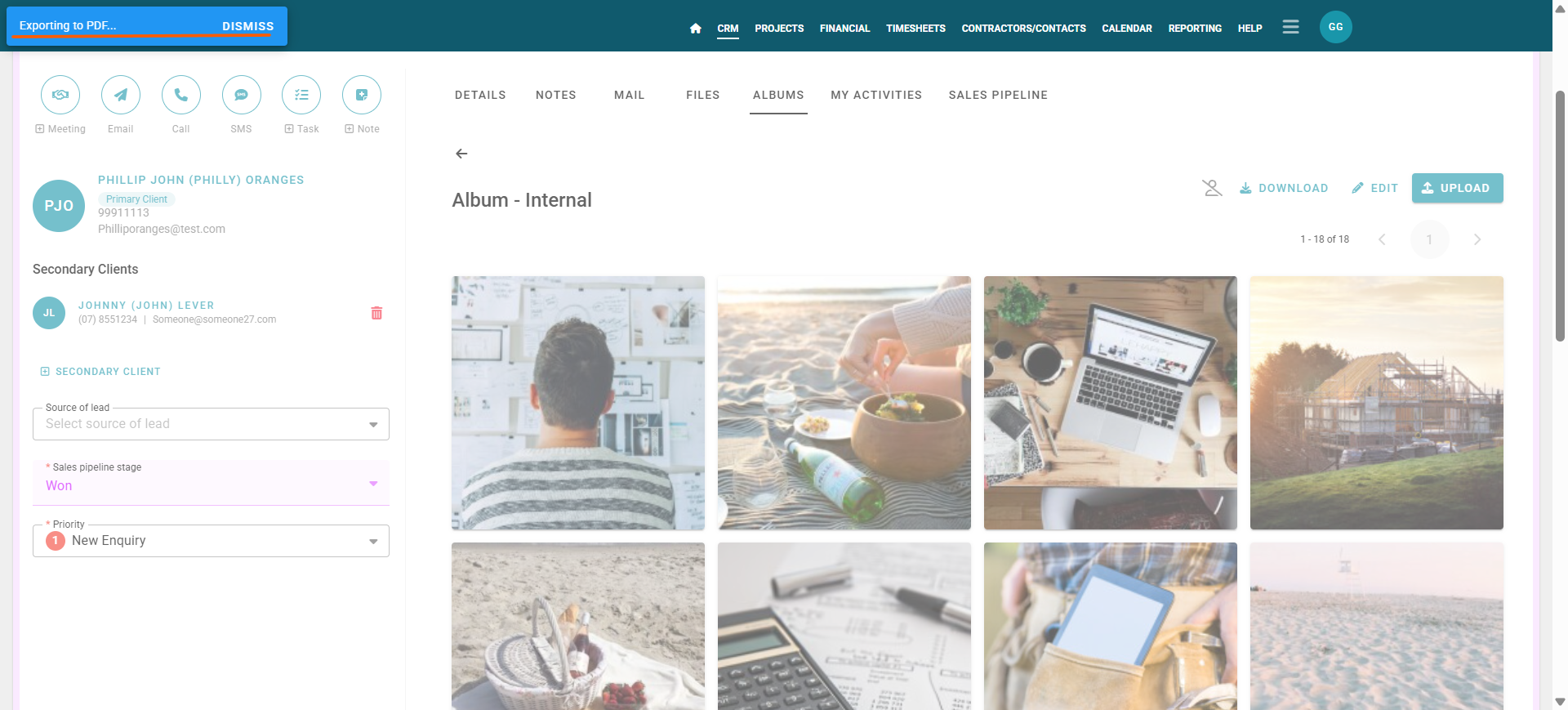
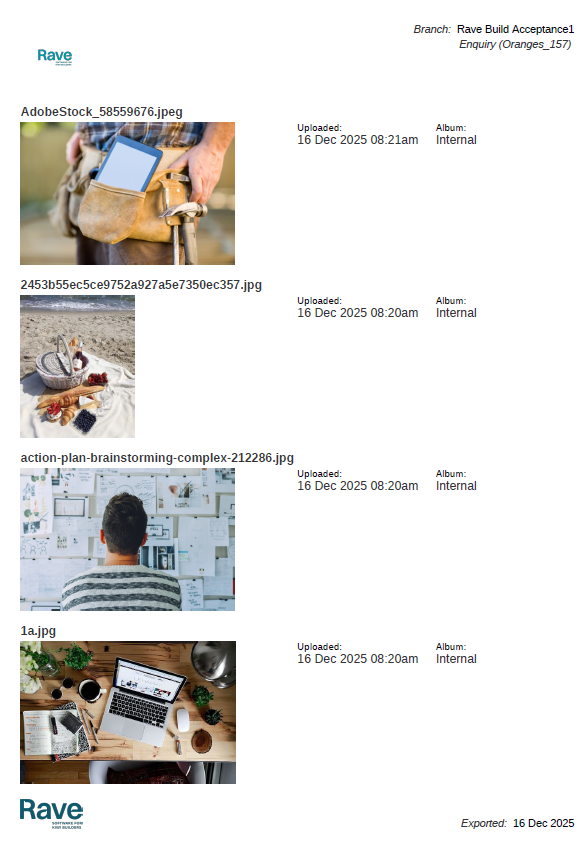
When processing is complete, you’ll see a PDF appear in your download
Was this article helpful?
That’s Great!
Thank you for your feedback
Sorry! We couldn't be helpful
Thank you for your feedback
Feedback sent
We appreciate your effort and will try to fix the article