If you are looking for the help article on exporting album items within Rave click here.
You can now bulk or single select and download images from albums within a project.
The options are all items from all albums, all items from selected albums, all items from a specific album or selected items from a specific album.
The selected images will be packaged into a ZIP file and emailed to you once the download is ready. The email containing the ZIP file expires after 24 hours.
Note: If you only have a small selection of items, the download will happen very quickly and will automatically appear in your browser downloads. You’ll also receive an email with the ZIP file.
Bulk downloading all items from all albums
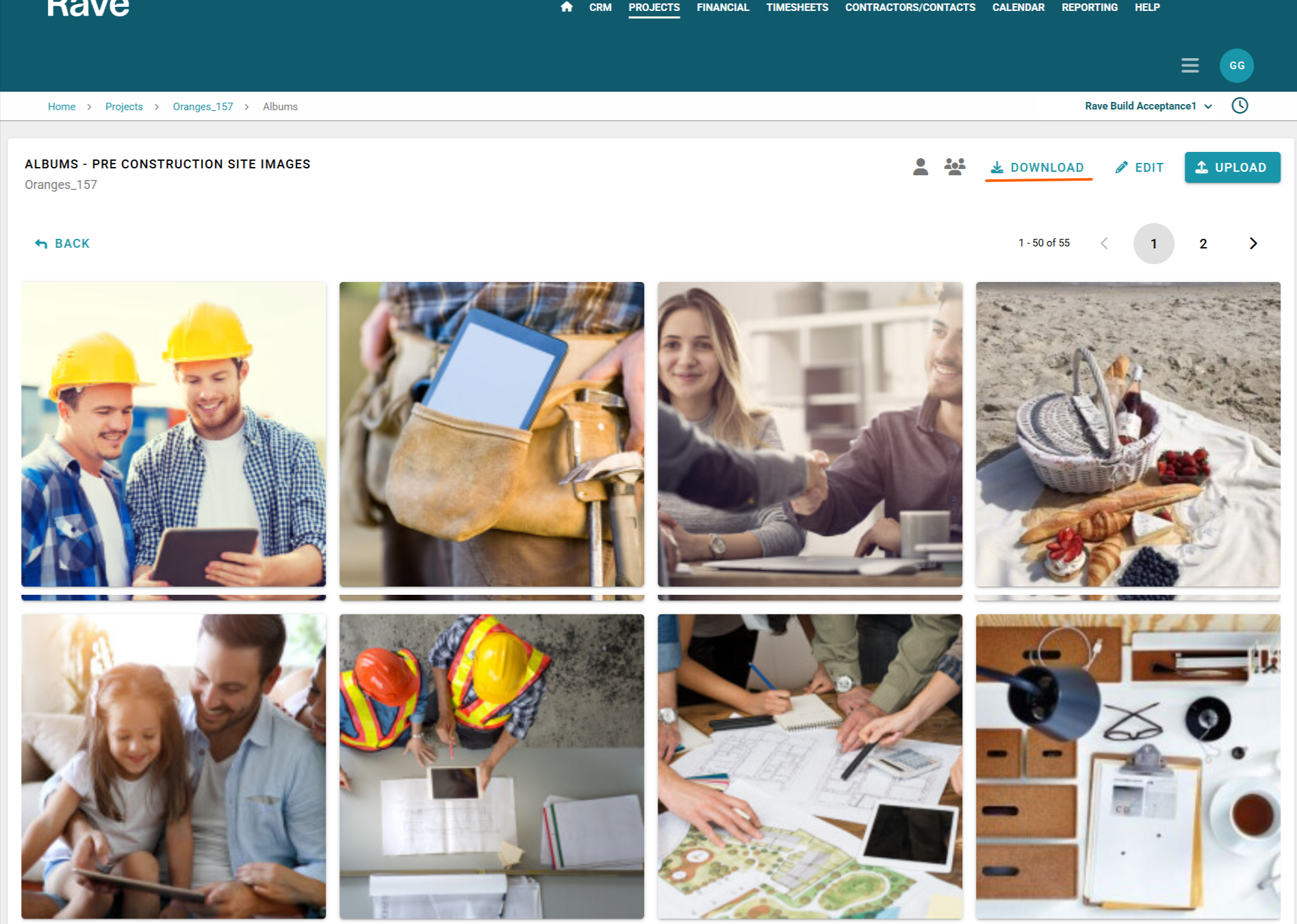
To select all items from all albums you can simple click the download icon to the top right of the page along side the word Download.
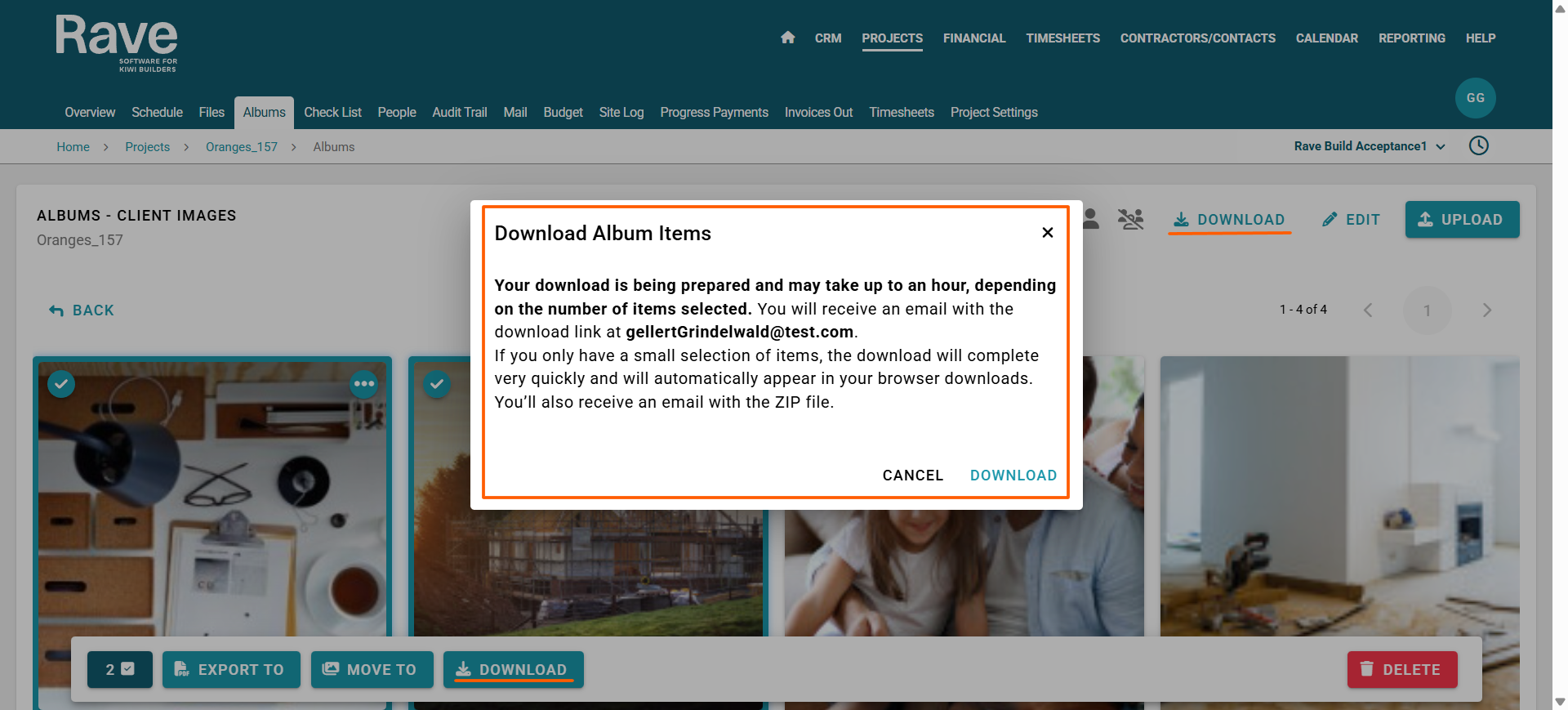
A box will pop up confirming that the Zip file will be emailed to your email address when ready.
Press Download.
Once the download is complete you will receive an email for you to then export the zip file onto your device.
Bulk downloading all items from selected albums
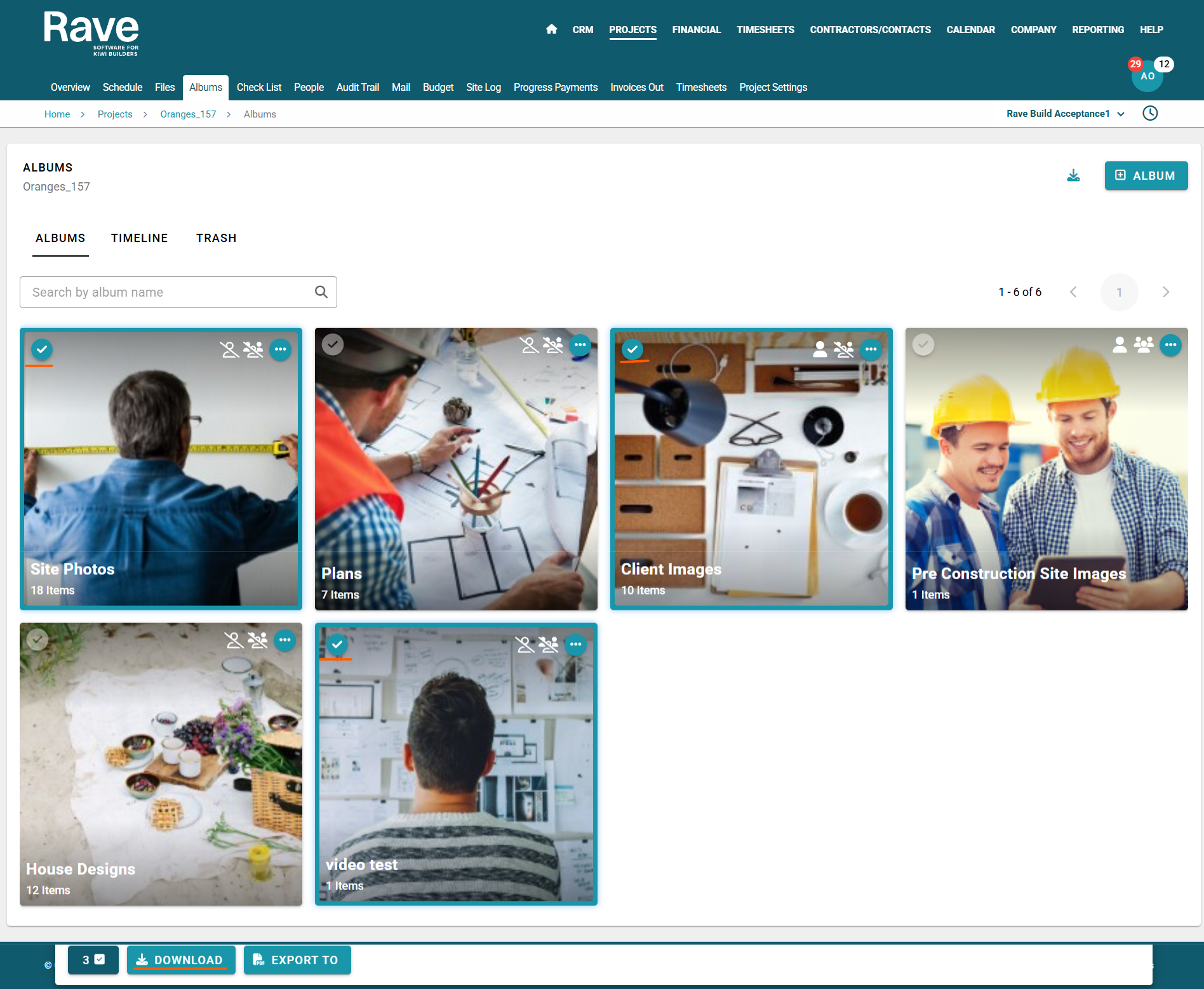
To select all items from selected albums, check the green arrow on only the albums you want to include from the list view page.
Next, select Download from the bulk select bar.
A confirmation box will appear, advising that a Zip file will be emailed to your email address once it’s ready. Click Download to proceed.
When processing is complete, you’ll receive an email allowing you to download and export the Zip file to your device.
Bulk downloading all items from a single albums only
To download all items from a single album, click into the album you wish to download from.
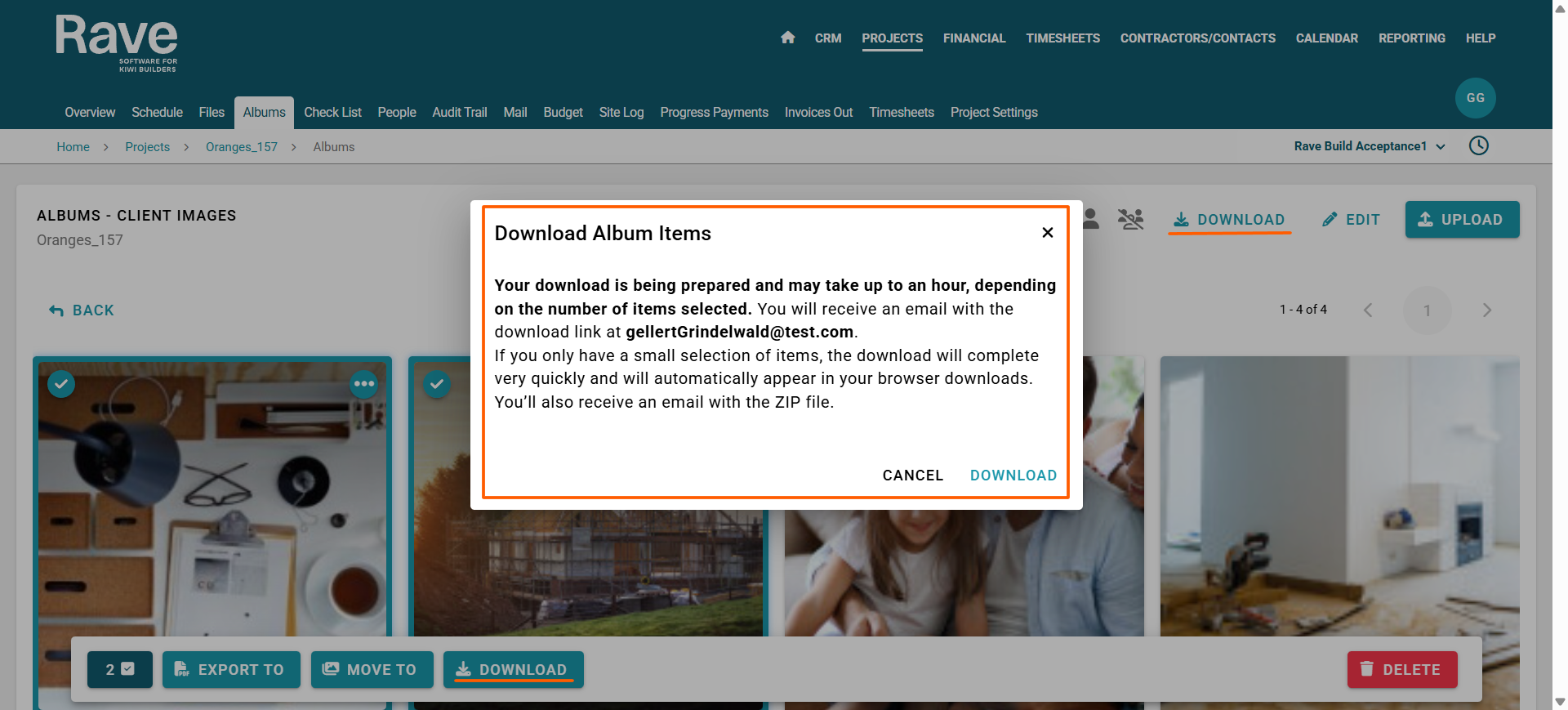
Click the download icon to the top right of the screen.
A confirmation box will appear, advising that a Zip file will be emailed to your email address once it’s ready. Click Download to proceed.
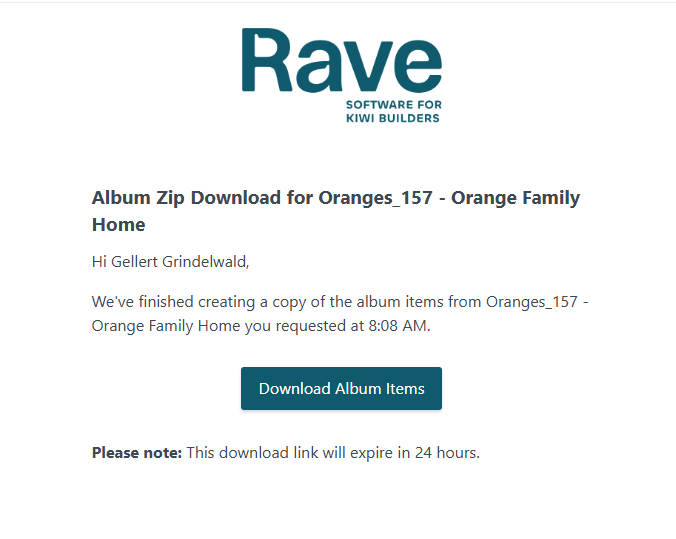
When processing is complete, you’ll receive an email allowing you to download and export the Zip file to your device.
Bulk downloading selected items from a single albums only
To download selected items from a single album, click into the album you wish to download from.
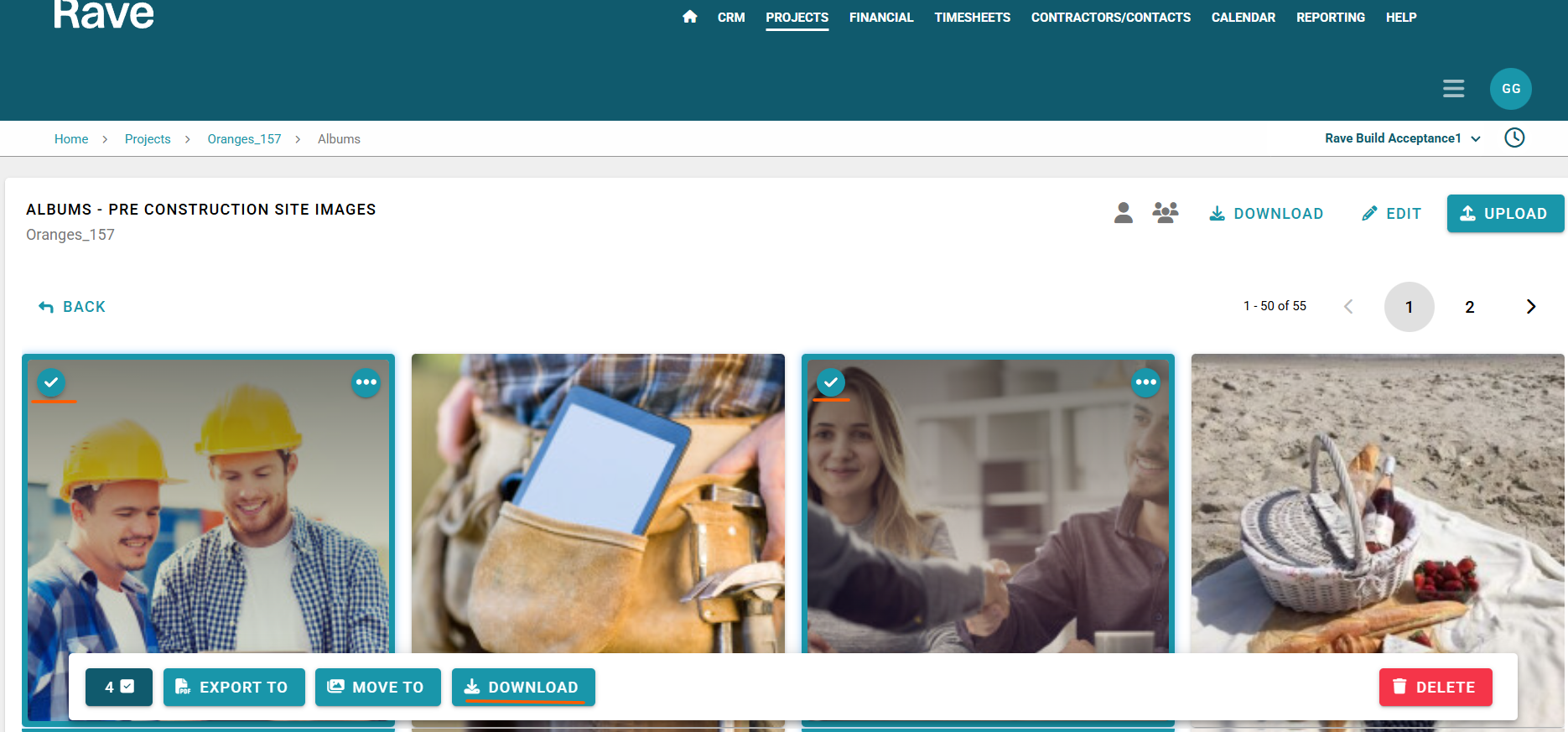
Check the green arrow on only the items you want to include in the download.
Next, select Download from the bulk select bar.
A confirmation box will appear, advising that a Zip file will be emailed to your email address once it’s ready. Click Download to proceed.
When processing is complete, you’ll receive an email allowing you to download and export the Zip file to your device.
Was this article helpful?
That’s Great!
Thank you for your feedback
Sorry! We couldn't be helpful
Thank you for your feedback
Feedback sent
We appreciate your effort and will try to fix the article